
Best Apps
12 Top SEO Reporting Tools
(2026 Guide for Agencies & Marketers)
By Henry Madden · March 24, 2026
If you’ve ever bounced between tools, stitched together spreadsheets, and still ended up with a report that’s hard to explain—you’re not the only one. SEO reporting can get messy fast. It eats up time, doesn’t scale well, and often leaves clients more confused than informed.
That’s exactly where SEO reporting tools come in. They pull all your data into one place, turn it into clean dashboards, and automate the reporting process—so you can spend less time building reports and more time actually analyzing results.
This guide is for agencies juggling multiple clients, freelancers managing everything on their own, and in-house teams trying to track performance across channels.
By the end, you’ll have a clear idea of which SEO reporting tools are worth your time in 2026—and how to pick the one that fits your workflow best.
If you’re looking at the bigger picture, our guide to the best SEO tools covers every major category — from keyword research to audits and beyond.
What Are SEO Reporting Tools
SEO reporting tools are platforms that take your SEO data and turn it into clear, easy-to-understand reports.
Instead of jumping between multiple tools, they bring everything into one place. Data from rankings, traffic, and backlinks is combined and presented through simple charts and dashboards. Many of these tools also automate the process, so reports are created and sent without manual effort.
It also helps to know how they differ from regular SEO tools. SEO tools are built to help you find opportunities—like keywords to target or backlinks to build. SEO reporting tools, on the other hand, focus on showing results—what’s working and how performance is improving over time.
There’s a similar distinction between dashboards and reports. Dashboards are live and continuously updated. Reports are fixed snapshots, usually shared weekly or monthly, to highlight key insights and progress.
How to Choose the Best SEO Reporting Tools
Choosing the right SEO reporting tool isn’t just about features—it’s about finding something that fits your workflow and actually saves you time.
Automation
Start with automation. A good tool should generate and send reports on its own. Manual reporting might work at first, but it quickly becomes unsustainable—especially if you’re managing multiple clients or campaigns. Automation can easily save you hours each week.
Integrations
Next, look at integrations. Your tool should connect smoothly with platforms like Google Analytics, Search Console, and any other tools you rely on. The more it connects, the less time you spend switching between platforms.
White-label reporting
If you work with clients, white-labeling is a must. It lets you add your logo, brand colors, and even custom domains, making your reports look polished and professional.
Ease of use
A tool should feel simple from the start. If it takes too long to set up or figure out, it defeats the purpose. You want something your team can pick up and use without friction.
Data accuracy
Finally, accuracy matters most. Your reports guide decisions and reflect your work, so the data needs to be reliable and consistently updated.
The 12 Best SEO Reporting Tools
Let’s start with a quick overview of the 13 best SEO tools and what each one does best.
Tool | Best for | Starting price | White-label | Integrations | Automation |
All-in-one SEO | Premium | Limited | Extensive | Medium | |
Backlink analysis | Premium | No | Moderate | Low | |
Budget all-in-one | Paid (low-mid) | Yes | Moderate | Medium | |
Agencies | Paid (mid-range) | Yes | Extensive | High | |
Free dashboards | Free | No | Moderate | Medium | |
Visual reports | Premium | Yes | Extensive | High | |
Live dashboards | Freemium | Limited | Extensive | Medium | |
Simple reporting | Paid (mid-range) | Yes | Moderate | High | |
Enterprise agencies | Premium | Yes | Extensive | High | |
Reporting + SEO | Paid (mid-range) | Yes | Moderate | Medium | |
Beginners | Paid (mid-range) | Limited | Moderate | Low | |
Budget SEO | Paid (low-mid) | Limited | Moderate | Medium |
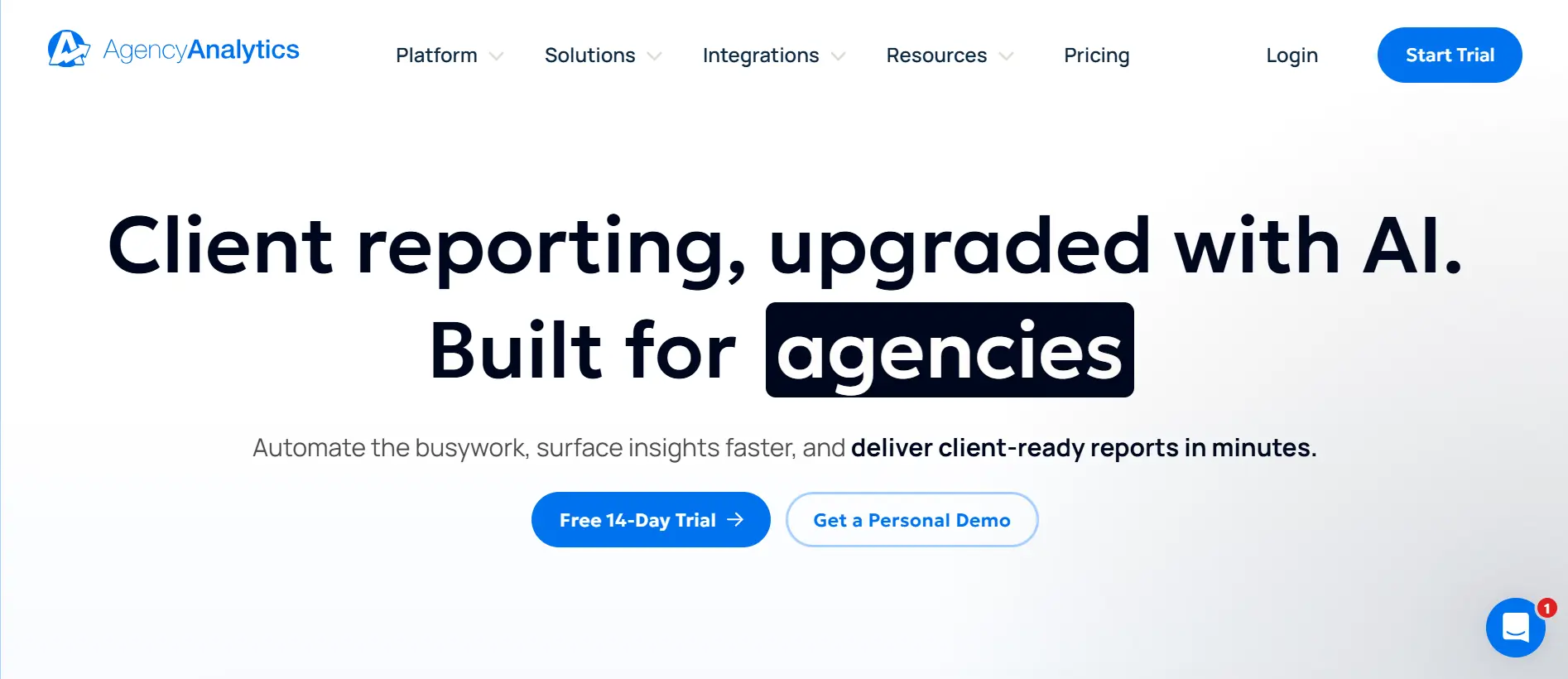
AgencyAnalytics is Best For
AgencyAnalytics is ideal for marketing agencies that need scalable, client-ready reporting with strong white-label features.
AgencyAnalytics Overview
AgencyAnalytics is built specifically for reporting rather than full-scale SEO research. It helps agencies track performance across multiple clients and present that data through clean, professional dashboards. Its main strengths are automation, ease of use, and reports that clients can easily understand.
AgencyAnalytics Key Features
- White-label dashboards – Fully customize reports with your branding and domain
- Automated reporting – Schedule reports to be sent to clients automatically
- Multi-client management – Easily manage and switch between multiple client accounts
- Integrations – Connect with Google Analytics, Search Console, and other tools
- Custom dashboards – Build simple, visual dashboards for each client
AgencyAnalytics Pros
- Designed specifically for agencies
- Strong white-label reporting features
- Quick to set up and easy to use
AgencyAnalytics Cons
- Limited advanced SEO research capabilities
- Costs can increase as you add more clients
AgencyAnalytics Pricing
Freelancer ($79/month), Agency ($239/month), Agency Pro ($479/month), and Enterprise (custom)
Verdict
A solid choice if your focus is efficient, professional client reporting rather than deep SEO analysis.
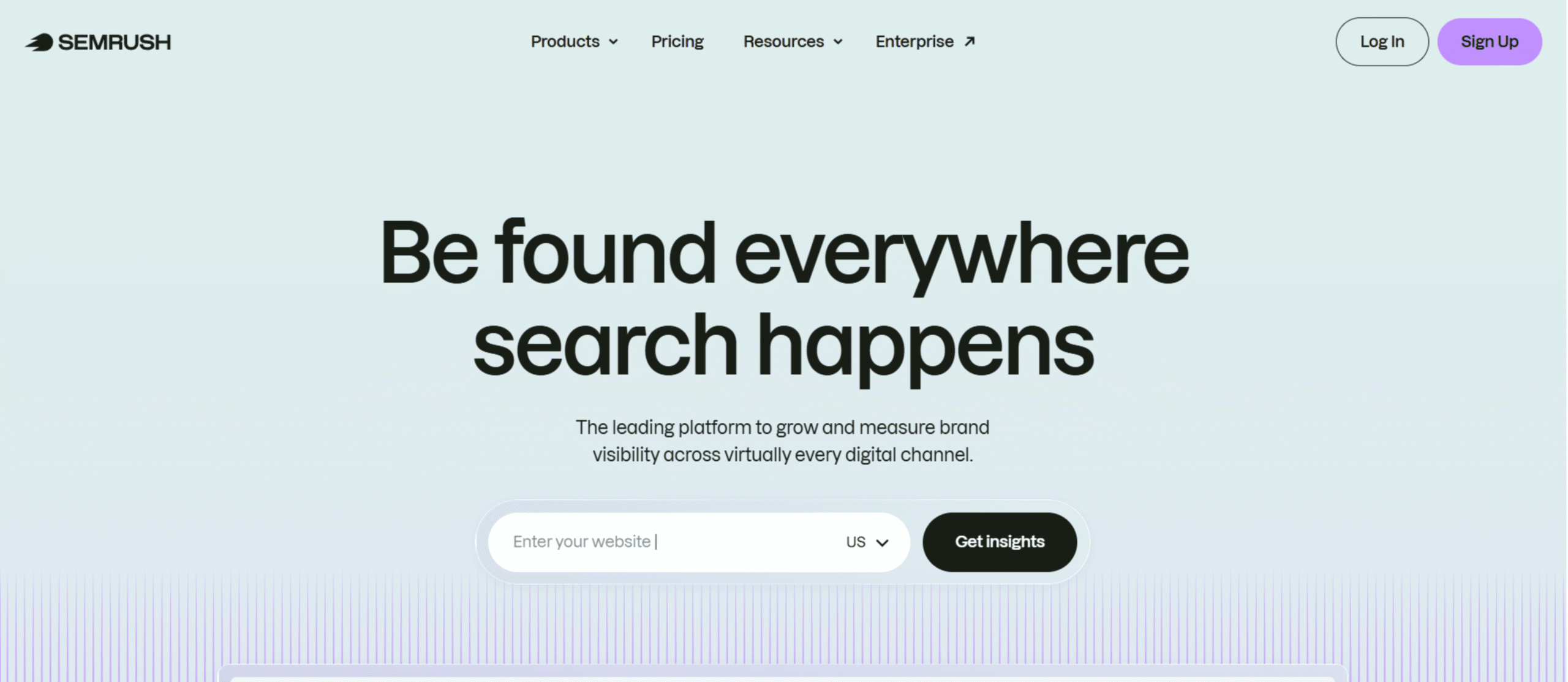
Semrush is Best For
Semrush is ideal for agencies and marketers who want an all-in-one platform that combines SEO reporting with research and competitive analysis.
Semrush Overview
Semrush is one of the most widely used SEO platforms, known for its depth of data and versatility. While it’s not purely a reporting tool, its reporting features are powerful enough for most teams, especially when combined with its keyword, backlink, and site audit capabilities.
Semrush Key Features
- My Reports builder – Create custom, automated reports with drag-and-drop widgets
- Position tracking – Monitor keyword rankings across locations and devices
- Site audit reports – Identify and track technical SEO issues over time
- Backlink analytics – Analyze backlink profiles and growth
- Integrations – Connect with Google Analytics and Search Console for combined reporting
Semrush Pros
- All-in-one tool (research + reporting)
- Highly customizable reports
- Reliable and frequently updated data
Semrush Cons
- Can feel overwhelming for beginners
- Reporting is not as specialized as dedicated tools
Semrush Pricing
Semrush offers three primary plans: Pro ($139.95/month), Guru ($249.95/month), and Business ($499.95/month).
Verdict
A strong choice if you want reporting plus full SEO capabilities in one platform, especially for growing teams.
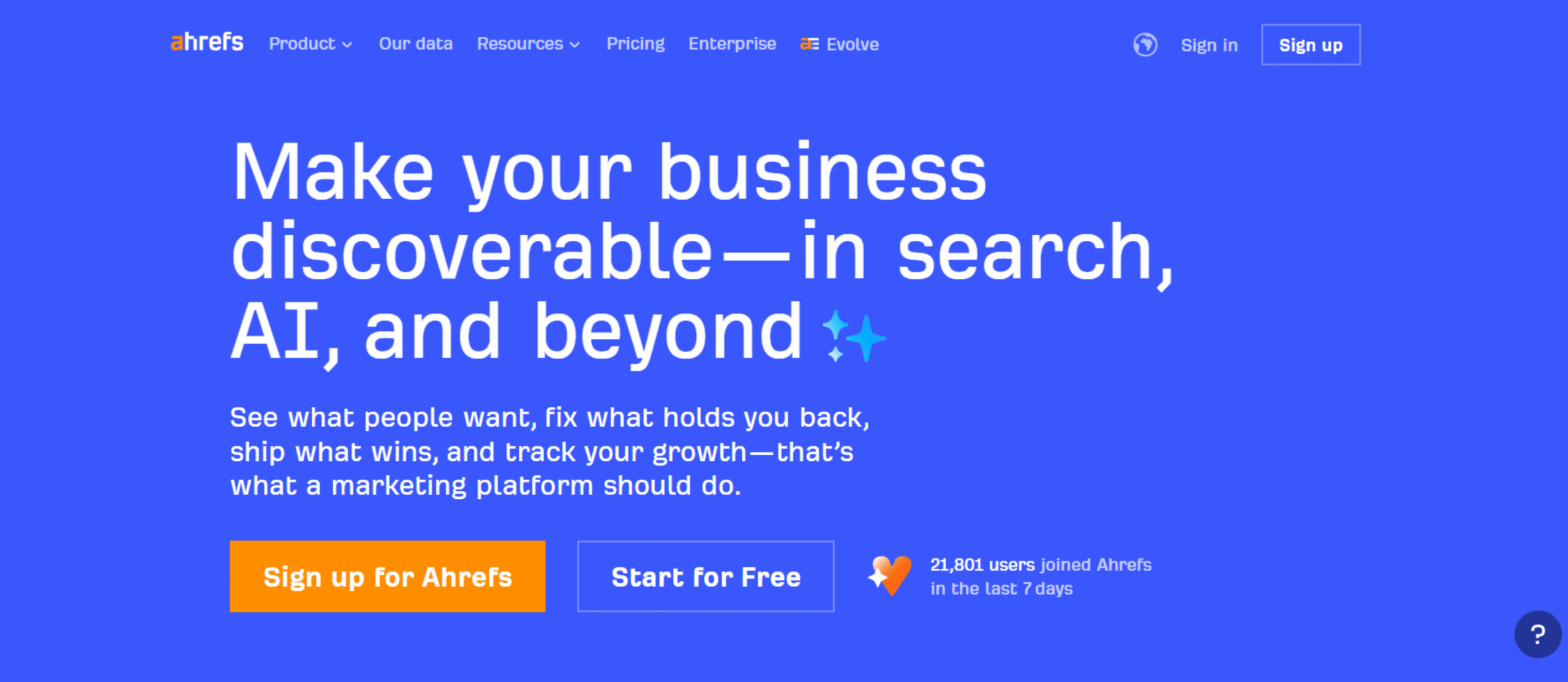
Ahrefs is Best For
Ahrefs is a great fit for SEO professionals and teams that rely heavily on backlink analysis and want consistently reliable data to track performance.
Ahrefs Overview
Ahrefs is a popular SEO platform known for its strong backlink database, keyword research tools, and site analysis features. It’s not built specifically for reporting, but its dashboards and export options make it easy to track and share SEO performance in a structured way.
Ahrefs Key Features
- Site Explorer – Analyze backlinks, organic traffic, and top-performing pages
- Rank Tracker – Track keyword rankings across different locations
- Site Audit – Find technical SEO issues and monitor improvements
- Custom dashboards – View key SEO metrics in one place
- Data exports – Export data for reports or deeper analysis
Ahrefs Pros
- Industry-leading backlink data
- Clean and intuitive interface
- Reliable keyword and traffic estimates
Ahrefs Cons
- Limited reporting customization
- Lacks strong white-label reporting features
Ahrefs Pricing
Starter ($29/month), Lite ($129/month), Standard ($249/month), Advanced ($449/month), Enterprise ($1,499/month)
Verdict
A strong choice for accurate data and analysis, but not the best option if you need polished, client-ready reports out of the box.
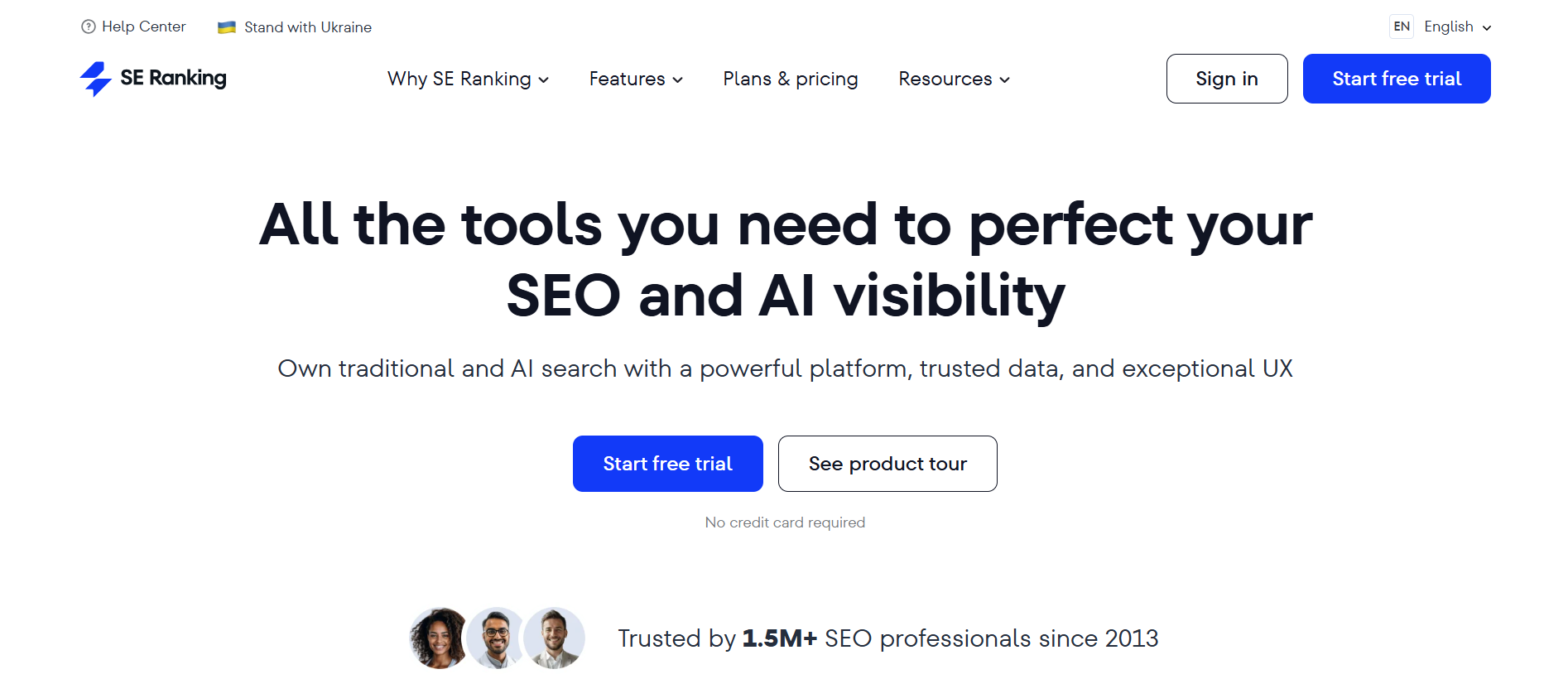
SE Ranking is Best For
SE Ranking is a strong choice for small to mid-sized agencies, freelancers, and businesses that want reliable SEO reporting without the cost of enterprise-level tools.
SE Ranking Overview
SE Ranking is an all-in-one SEO platform that strikes a good balance between affordability and functionality. It combines reporting, rank tracking, site audits, and keyword research in one place, making it a practical option for teams that need both insights and client-ready reports.
SE Ranking Key Features
- Custom report builder – Create automated reports with flexible layouts
- White-label reporting – Add your branding to client-facing reports
- Rank tracking – Monitor keyword positions across search engines and locations
- Website audit – Track technical SEO issues and improvements
- Integrations – Connect with Google Analytics and Search Console
SE Ranking Pros
- More affordable than many competitors
- Strong reporting and white-label features
- Easy to set up and use
SE Ranking Cons
- Data depth isn’t as strong as tools like Semrush or Ahrefs
- Interface can feel a bit basic in places
SE Ranking Pricing
SE Ranking currently offers two packs, Core ($129/month) and Growth ($279/month). They offer several additions to these packs, including agency pack (+$69/month), AI search (+$89/month), and API(+$149/month).
Verdict
A great value option if you want solid reporting and core SEO features without overspending.
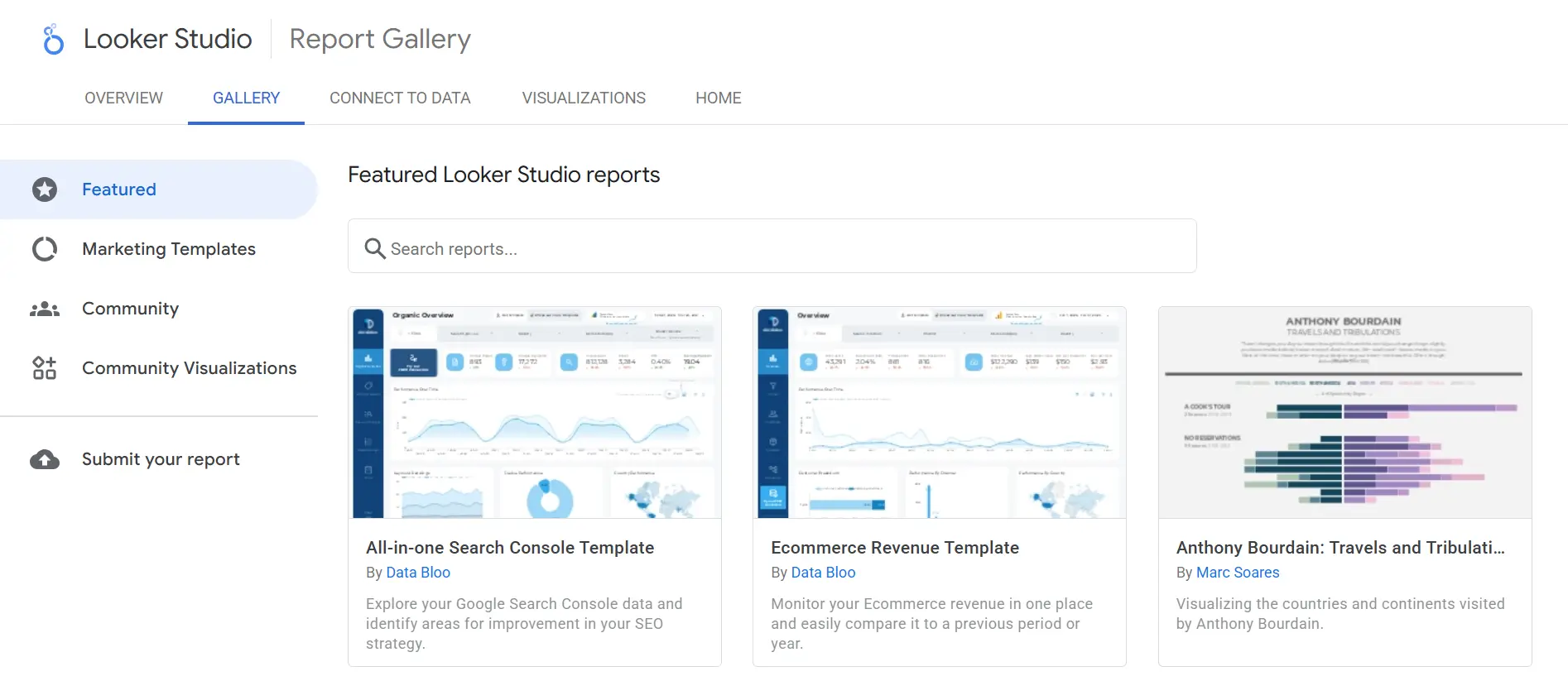
Google Looker Studio is Best For
Google Looker Studio is ideal for marketers and teams who want a free, flexible way to build custom SEO dashboards using their own data.
Google Looker Studio Overview
Google Looker Studio (formerly Data Studio) is a data visualization tool that turns raw data into interactive dashboards and reports. It’s widely used because it connects seamlessly with Google products and gives you full control over how your reports look and function.
Google Looker Studio Key Features
- Custom dashboards – Build fully tailored reports with charts, tables, and filters
- Data integrations – Connect with Google Analytics, Search Console, and third-party tools
- Real-time updates – Dashboards refresh automatically as data changes
- Shareable reports – Share via links or schedule email delivery
- Templates – Use pre-built templates to speed up setup
Google Looker Studio Pros
- Completely free to use
- Highly customizable
- Strong integration with the Google ecosystem
Google Looker Studio Cons
- Setup can take time
- Requires some learning for advanced use
Google Looker Studio Pricing
Google Looker Studio is free, though some third-party connectors may come with additional costs.
Verdict
A great choice if you want full control and flexibility, especially if you’re comfortable setting things up yourself.
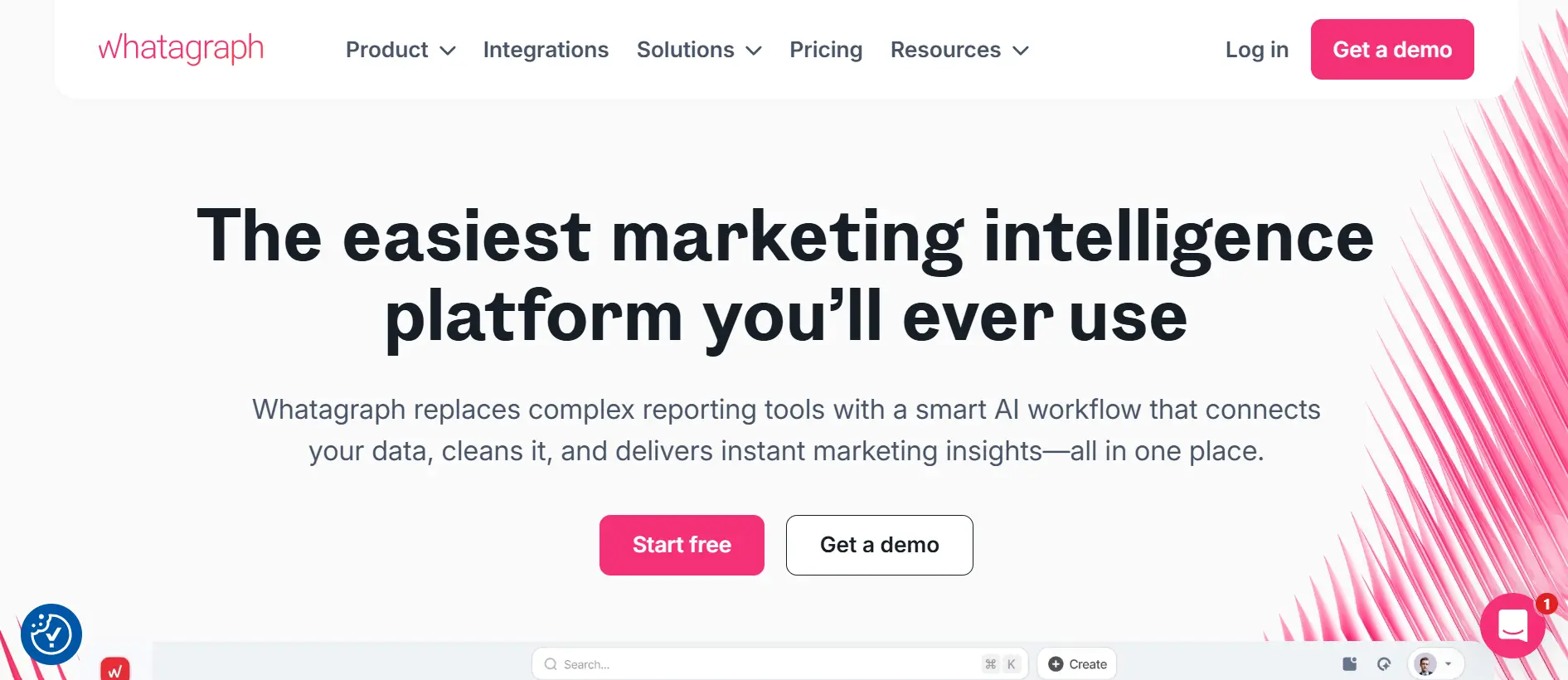
Whatagraph is Best For
Whatagraph is a great fit for agencies and marketing teams that want clean, easy-to-understand reports without spending hours on design.
Whatagraph Overview
Whatagraph is built specifically for reporting and focuses on making marketing data easy to present. It pulls data from multiple sources and turns it into simple, visual reports that clients can quickly understand. One of its biggest advantages is how fast you can create professional-looking reports.
Whatagraph Key Features
- Drag-and-drop report builder – Create reports quickly using a simple visual editor
- Multi-channel integrations – Combine SEO, PPC, social, and analytics data in one place
- Automated reporting – Schedule reports to be sent automatically
- Visual templates – Use pre-designed templates for faster setup
- Data blending – Combine multiple data sources into a single view
Whatagraph Pros
- Clean, client-friendly reports
- Easy to use with minimal setup
- Strong multi-channel reporting
Whatagraph Cons
- Limited advanced SEO analysis features
- Less flexible than tools like Looker Studio
Whatagraph Pricing
Start ($229/month), Boost ($363/month), and Max (custom)
Verdict
A solid choice for agencies that value presentation and simplicity over deep customization.
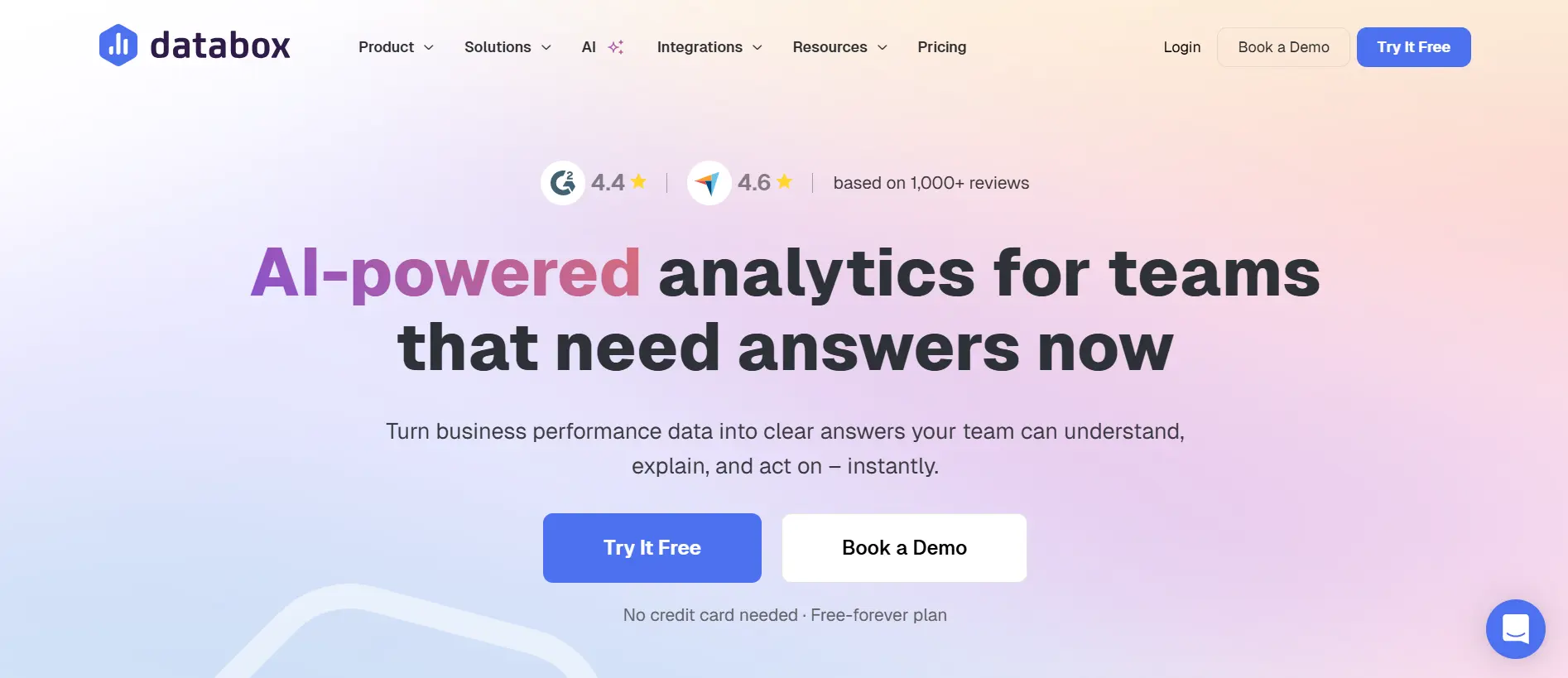
Databox is Best For
Databox is a strong fit for marketers and teams that want real-time dashboards to track performance across multiple channels in one place.
Databox Overview
Databox is designed to make performance tracking simple and visual. It pulls data from different platforms and displays it through customizable dashboards, so you can monitor SEO metrics alongside other marketing data without switching tools.
Databox Key Features
- Custom dashboards – Build visual dashboards using drag-and-drop widgets
- Real-time tracking – See performance updates as data changes
- Integrations – Connect with Google Analytics, Search Console, and more
- Pre-built templates – Use ready-made dashboards for quick setup
- Goal tracking – Set targets and track progress directly in your dashboard
Databox Pros
- Easy to set up and use
- Strong real-time data visualization
- Wide range of integrations
Databox Cons
- Limited white-label features on lower plans
- Not ideal for detailed, client-ready reports
Databox Pricing
Pro ($199/month), Growth ($499/month), Premium ($999/month)
Verdict
A solid choice for internal tracking and dashboards, especially if you want a simple, real-time view of your SEO performance.
DashThis is Best For
DashThis is a great option for agencies and freelancers who want simple, automated client reports without dealing with complex setups.
DashThis Overview
DashThis is built specifically for reporting and focuses on making the process fast and straightforward. It pulls data from different marketing platforms and turns it into clean, ready-to-share dashboards. The biggest advantage is how quickly you can get reports up and running—most users can create them in minutes.
DashThis Key Features
- Automated reports – Schedule reports to be generated and sent automatically
- Preset templates – Use built-in templates for SEO and marketing reports
- Integrations – Connect with Google Analytics, Search Console, and other tools
- White-label dashboards – Add your branding for client-facing reports
- Drag-and-drop editor – Customize dashboards easily without technical skills
DashThis Pros
- Very easy to use
- Quick setup with minimal learning curve
- Strong white-label reporting features
DashThis Cons
- Limited advanced customization
- Not ideal for deep data analysis
DashThis Pricing
Individual ($49/month), Professional ($159/month), Business ($309/month), and Standard ($479/month)
Verdict
A reliable choice if you want clean, client-ready reports without the complexity of more advanced tools.
TapClicks is Best For
TapClicks is best suited for larger agencies and enterprises that need advanced reporting, deep integrations, and workflow automation at scale.
TapClicks Overview
TapClicks is a robust reporting platform built to handle complex marketing data across multiple clients and channels. It goes beyond basic reporting by offering features like data warehousing and workflow automation, making it a strong fit for teams managing large volumes of data.
TapClicks Key Features
- Data aggregation – Pull data from a wide range of marketing and SEO platforms into one system
- Automated reporting – Schedule and deliver reports without manual effort
- Custom dashboards – Build detailed dashboards for clients or internal teams
- Workflow automation – Streamline internal processes alongside reporting
- White-label capabilities – Fully brand reports and dashboards
TapClicks Pros
- Scales well for large teams
- Strong automation and data handling
- Wide range of integrations
TapClicks Cons
- Steeper learning curve
- Can be too complex for small teams or freelancers
TapClicks Pricing
DashClicks offers a comprehensive subscription model priced at $199 per month or $1,788 annually, providing full access to all white-labeled software tools and features.
Verdict
A strong choice for agencies that need advanced reporting and automation, but not ideal if you’re looking for something simple.
Raven Tools is Best For
Raven Tools is a good fit for agencies and marketers who want a mix of SEO tools and reporting in one platform, especially with solid white-label features.
Raven Tools Overview
Raven Tools is an all-in-one SEO and marketing platform with a strong focus on reporting, site audits, and performance tracking. It’s popular with agencies because it brings multiple SEO functions together and lets you create customizable, client-ready reports from a single dashboard.
Raven Tools Key Features
- White-label reports – Fully customize reports with your branding
- Automated reporting – Schedule reports to be created and sent automatically
- Site auditor – Find technical SEO issues and track improvements
- Rank tracking – Monitor keyword rankings across search engines
- Integrations – Connect with Google Analytics, Search Console, and more
Raven Tools Pros
- Strong white-label reporting for agencies
- Combines SEO tools and reporting in one place
- Good value compared to premium tools
Raven Tools Cons
- Data depth isn’t as strong as tools like Ahrefs or Semrush
- Interface and features can feel a bit outdated
Raven Tools Pricing
Small Biz ($49/month), Start ($109/month), Grow ($199/month), Thrive ($299/month), and Lead ($479/month)
Verdict
A practical choice for agencies focused on reporting and client delivery, but less ideal for advanced SEO analysis.
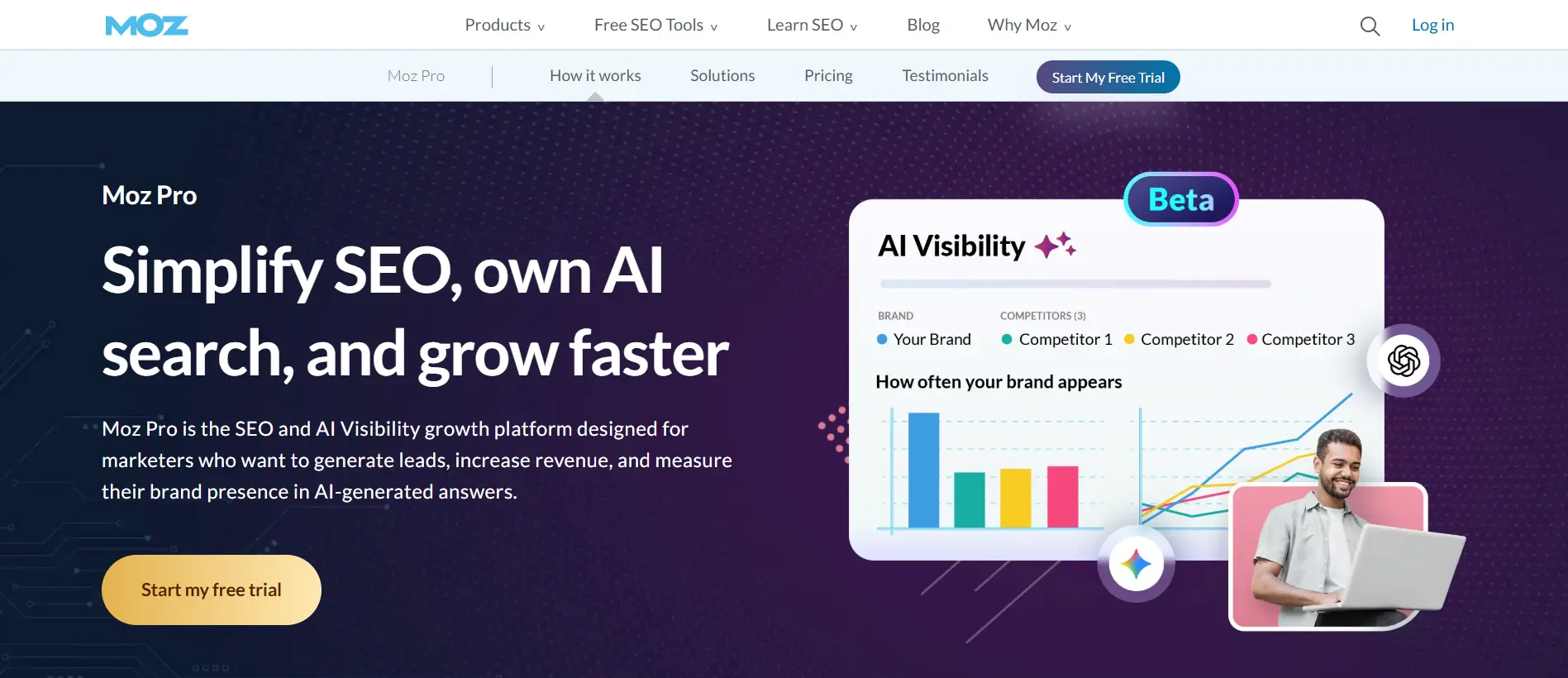
Moz Pro is Best For
Moz Pro is a good choice for beginners and small teams who want a simple, easy-to-understand SEO tool with basic reporting features.
Moz Pro Overview
Moz Pro is one of the older SEO platforms and is known for its clean interface and beginner-friendly design. It covers the essentials—keyword tracking, site audits, and backlink analysis—while keeping reporting straightforward and easy to read.
Moz Pro Key Features
- Custom reports – Create simple, readable reports to track SEO performance
- Rank tracking – Monitor keyword rankings over time
- Site audits – Find technical SEO issues and track fixes
- Link Explorer – Analyze backlinks and domain authority
- Campaign tracking – Get a clear overview of your SEO performance
Moz Pro Pros
- Easy to use and beginner-friendly
- Clean, simple reporting
- Helpful educational resources
Moz Pro Cons
- Limited report customization
- Data depth is lower than tools like Ahrefs or Semrush
Moz Pro Pricing
Freelancer ($49/month), Standard ($99/month), Medium ($179/month), and Large ($299/month)
Verdict
A solid starting point for beginners, but it may feel limiting as your SEO and reporting needs become more advanced.
Serpstat is Best For
Serpstat is a solid choice for freelancers, small businesses, and budget-conscious agencies that want a complete SEO and reporting tool without a high price tag.
Serpstat Overview
Serpstat is an all-in-one SEO platform that brings together keyword research, rank tracking, backlink analysis, and site audits in one place. It’s popular because it offers many of the same core features as larger tools, but at a more affordable cost.
Serpstat Key Features
- Rank tracking – Monitor keyword positions across regions and track competitors
- Keyword research – Find new keyword opportunities and assess difficulty
- Backlink analysis – Track new and lost backlinks and evaluate link quality
- Site audit – Identify technical issues and get recommendations for fixes
- Custom reports – Create branded reports for clients or internal use
Serpstat Pros
- More affordable than most all-in-one tools
- Covers all core SEO features
- Includes basic white-label reporting
Serpstat Cons
- Data depth isn’t as strong as top-tier tools
- Interface and UX can feel less polished
Serpstat Pricing
Individual ($69/month), Team ($129/month), and Agency ($499/month)
Verdict
A strong budget-friendly option if you want a mix of SEO features and reporting without investing in premium tools.
Best SEO Reporting Tools by Use Case
The “best” SEO reporting tool really depends on what you need it to do day to day.
Best for agencies
AgencyAnalytics and Whatagraph are designed with agencies in mind. They make it easy to handle multiple clients, automate recurring reports, and deliver fully white-labeled dashboards. If reporting is a big part of your client work, these tools can save a lot of time.
Best all-in-one tools
Semrush and Ahrefs are great if you want everything in one place. You can track rankings, analyze backlinks, run audits, and generate reports without jumping between tools—ideal for teams that prefer a centralized setup.
Best budget tools
SE Ranking and Serpstat offer a solid balance of features and affordability. You still get rank tracking, audits, and reporting, but at a much lower cost, which makes them a practical choice for freelancers and smaller teams.
Best free tools
Google Looker Studio stands out as the top free option. It gives you full control over your reports and connects easily with Google tools, though it does take more time to set up compared to paid solutions.
Best for local SEO
SE Ranking is a strong pick for local SEO thanks to its accurate location-based rank tracking and simple reporting. It works well for businesses targeting specific regions.
Best for dashboards
Databox and Google Looker Studio are both great for dashboards. They focus on real-time data and visual reporting, making them better for ongoing monitoring than static reports.
SEO Reporting Tools Comparison
Choosing between SEO reporting tools usually comes down to how much depth, automation, and customization you actually need.
Semrush vs Ahrefs
Both Semrush and Ahrefs are all-in-one tools, but they lean in different directions. Semrush offers a broader marketing toolkit, covering PPC, content, and local SEO, along with more structured reporting features. Ahrefs focuses more on core SEO, especially backlink analysis, and has a simpler, more streamlined interface.
Choose Semrush if you need multi-channel reporting and a wider feature set. Choose Ahrefs if your priority is SEO data and backlink insights.
SE Ranking vs Semrush
The main difference here is cost and complexity. Semrush offers deeper data and more advanced features, but it comes at a higher price. SE Ranking covers the essentials—rank tracking, audits, and reporting—at a more accessible cost, with a simpler setup.
Choose Semrush if you need advanced capabilities and room to scale. Choose SE Ranking if you want reliable reporting without the higher investment.
Google Looker Studio vs Databox
Both tools are focused on dashboards, but they take different approaches. Looker Studio is free and highly customizable, giving you full control over your reports—but it requires more manual setup. Databox is easier to get started with, thanks to templates and a simpler interface, though it offers less flexibility.
Choose Looker Studio if you want full control and customization. Choose Databox if you prefer something quicker and easier to set up.
Best Free SEO Reporting Tools
Free tools can cover a large part of your SEO reporting needs—but they do come with a few trade-offs.
Google Looker Studio
Google Looker Studio helps you turn raw data into visual dashboards and reports. You can connect it to sources like Google Analytics and Search Console, then build fully customized reports. The biggest advantage is control—you decide exactly how your data is displayed.
Limitation: Setup can take time, and performance may slow down with large or complex dashboards. It also has limits when it comes to data blending and integrations, especially outside the Google ecosystem.
Google Analytics
Google Analytics shows how users interact with your site—traffic, behavior, and conversions. It’s essential for understanding what happens after visitors land on your pages and often acts as a core data source for reporting.
Limitation: It’s not a dedicated reporting tool. Customization is limited, and data may be sampled or delayed depending on usage.
Google Search Console
Google Search Console focuses on how your site performs in search—clicks, impressions, rankings, and technical issues. It’s one of the most important tools for tracking SEO performance.
Limitation: Data is limited (usually up to 16 months), not real-time, and reporting visuals are basic. It also doesn’t easily combine with other data without additional tools.
Free tools are a great starting point, but as your needs grow, most teams move to paid tools for better automation, flexibility, and scalability.
SEO Reporting Tools for Agencies
Agencies don’t just need reports—they need systems that can handle multiple clients, save time, and present results in a way that builds trust.
Managing reporting across clients can get overwhelming fast. You’re pulling data from different tools, creating separate reports, and trying to make everything look polished and on-brand. At the same time, clients don’t want raw data—they want clear insights they can actually understand. That’s why agency-focused reporting tools are so important.
AgencyAnalytics is built specifically for this. It brings all your client data into one place, automates reporting, and lets you fully white-label everything so reports look like they come directly from your brand. It also integrates with a wide range of tools, which makes scaling much easier.
Whatagraph takes a more visual approach. It turns complex data into clean, easy-to-read reports that clients can quickly grasp, while still supporting automation and multi-channel reporting.
DashThis is ideal if you want something simple and fast. With pre-built templates, automated reports, and white-label features, you can create client-ready dashboards in minutes.
TapClicks is better suited for larger agencies. It handles complex data, advanced integrations, and workflow automation, making it a strong fit for teams managing a high volume of clients.
If you want a deeper breakdown of agency-focused tools, the next guide covers that in detail.
White Label SEO Reporting Tools
White-label SEO reporting means you can present reports under your own brand, without showing the original tool.
For agencies, this matters more than it might seem. Clients don’t just look at results—they notice how those results are presented. A clean, branded report with your logo, colors, and domain helps build trust and positions you as the expert. It also creates a consistent experience across every client interaction, which is key for retention.
Several tools offer strong white-label features, each with a slightly different focus.
AgencyAnalytics is one of the most agency-focused options, with fully branded dashboards, custom domains, and automated reporting built in.
Whatagraph stands out for its clean, visually polished reports that are easy for clients to understand, along with solid branding options.
DashThis keeps things simple. It offers quick setup, ready-made templates, and easy white-label reporting without much effort.
SE Ranking is a more affordable option that still includes white-label features, making it a good fit for smaller agencies.
Semrush also supports branded reporting, though it’s not as specialized for white-label use as dedicated reporting tools.
If you’re working with clients, white-label reporting isn’t just a feature—it’s part of how you present your value.
For a deeper breakdown of the best white-label tools and how to choose the right one, check out our dedicated guide next.
Common SEO Reporting Metrics to Track
Not all SEO data is worth tracking—what matters is focusing on the metrics that actually show progress.
Organic traffic
This measures how many visitors are coming from search engines. It’s one of the clearest signs that your SEO efforts are driving real results over time.
Keyword rankings
Tracking keyword positions helps you understand your visibility in search. When rankings improve, it’s usually a good sign that your content and optimization are working.
Backlinks
Backlinks reflect your site’s authority and credibility. Keeping an eye on them shows whether your link-building efforts are paying off and how your site is gaining trust.
Conversions
Traffic alone doesn’t mean much if it doesn’t lead to action. Conversions show whether visitors are turning into leads, sales, or sign-ups—making this one of the most important metrics.
CTR (Click-Through Rate)
CTR shows how often people click your site after seeing it in search results. If it’s low, your titles or descriptions may need improvement—even if your rankings are strong.
How to Automate SEO Reporting
Automating SEO reporting saves time and keeps your reporting consistent as you scale.
Step 1: Connect data sources
Start by linking your tools—Google Analytics, Search Console, and any SEO platforms you use. This ensures all your data flows into one place without manual exports.
Step 2: Build dashboards
Create a dashboard that shows your key metrics like traffic, rankings, and backlinks. Keep it simple and focused so it’s easy to understand at a glance.
Step 3: Set reporting schedule
Decide how often reports should be sent—weekly or monthly works for most cases. Then automate delivery so reports go out without you having to remember.
Step 4: Customize reports
Tailor reports for your audience. Clients may need high-level insights, while internal teams may want more detailed data. Add short explanations to highlight what matters.
Once set up, your reporting runs in the background—freeing you to focus on strategy instead of repetitive work.
FAQs
What is the best SEO reporting tool?
There’s no single “best” tool—it depends on your needs. Tools like Semrush and Ahrefs are great all-in-one options, while AgencyAnalytics and Whatagraph are better for client reporting and automation.
Are free tools enough?
Free tools like Google Looker Studio, Google Analytics, and Google Search Console can cover basic reporting. However, they require more manual setup and lack automation and white-label features, which most teams need as they grow.
How often should reports be generated?
Monthly reports are standard for most clients and stakeholders. Weekly reports can be useful for active campaigns or internal tracking. The key is consistency and focusing on meaningful changes, not just data volume.
Can these tools track competitors?
Yes, many tools—especially Semrush, Ahrefs, and SE Ranking—allow you to track competitor rankings, backlinks, and overall performance to benchmark your progress.
Wrapping up...
Choosing the right SEO reporting tool really comes down to your workflow, budget, and how you present results. The best tools don’t just show data—they save you time, simplify reporting, and make it easier to communicate what’s actually working.
If you want one tool that covers almost everything, Semrush is the strongest overall option.
For beginners, Moz Pro or SE Ranking are easier to pick up and use.
If you’re working with a tighter budget, SE Ranking offers the best balance of features and cost.
And for agencies, AgencyAnalytics stands out with its automation, white-labeling, and client management features.
Start with what fits your current setup—but keep scalability in mind. As your reporting needs grow, your tool should be able to grow with you.