
Best Apps
13 Best SEO Tools in 2026
By Henry Madden · March 17, 2026
SEO becomes much easier when you’re using the right tools.
Over the past few years, I’ve tested dozens of SEO platforms while researching keywords, auditing websites, tracking rankings, and analyzing competitors. Some of these tools are incredibly powerful and can save hours of manual work. Others look promising at first, but don’t actually make it easier to improve your rankings.
That’s exactly why I created this guide to the best SEO tools available right now.
Good SEO tools help you understand what’s really happening in search results—and what steps you should take next. They can reveal which keywords people are searching for, show you where your competitors are getting backlinks, track how your pages are performing in Google, and uncover technical issues that might be holding your site back.
For this guide, I analyzed and compared many of the most widely used SEO platforms across the industry. I looked closely at factors like data accuracy, feature depth, ease of use, and overall value.
Whether you’re just starting to learn SEO or already managing multiple websites, the tools below can help you discover new opportunities, optimize your content, and track your progress more effectively.
The 13 Best SEO Tools at a Glance
Let’s start with a quick overview of the 13 best SEO tools and what each one does best.
Tool | Best For | Key Feature | Website |
All-in-one SEO | Keyword research and competitor analysis in one platform | ||
Backlink analysis | One of the largest backlink databases | ||
Content optimization | NLP-based content scoring and on-page recommendations | ||
Rank tracking | Accurate keyword rank tracking across locations | ||
Technical audits | Deep website crawling to find SEO issues | ||
Advanced content optimization | Topic and keyword coverage analysis | ||
Beginners | Simple keyword research with an easy interface | ||
Enterprise SEO | AI-driven insights and large-scale SEO automation | ||
Content research | Discover high-performing content by topic | ||
Content ideas | Visualized question-based keyword suggestions | ||
Keyword metrics | Search volume and CPC directly in Google results | ||
Competitor traffic analysis | Traffic source and audience insights | ||
Trend discovery | Identifies emerging search trends early |
What is an SEO Tool?
An SEO tool is software that helps you understand how your website is performing in search engines—and what you can do to improve it. Instead of guessing why a page isn’t ranking or which keywords you should target, these tools provide data and insights you can actually use.
Most SEO tools analyze search results, websites, and user search behavior to uncover growth opportunities. For example, they can show you the keywords people are searching for, identify technical issues on your site, reveal which pages rank for specific queries, and highlight websites that link to your competitors.
In practice, SEO tools are used for several common tasks. Keyword research tools help you discover search terms worth targeting. Technical audit tools scan your website for problems that might affect rankings. Rank tracking tools monitor how your pages perform in search results over time. And backlink analysis tools show which websites link to your site—or to competing sites in your niche.
Put simply, SEO tools take complex search data and turn it into clear, actionable insights, making it easier to improve your website’s SEO strategy.
How We Chose the Best SEO Tools
There are hundreds of SEO tools out there—and many of them promise the same results. To build this list, I spent time researching, testing, and comparing a wide range of platforms used by marketers, agencies, and website owners. The goal was straightforward: find the tools that genuinely help improve search performance.
To do that, I evaluated each platform using a few key criteria. The first was data accuracy, since reliable keyword data, backlink metrics, and ranking information are critical for making smart SEO decisions. If the data isn’t trustworthy, the tool isn’t very useful.
Next, I looked at feature depth. The best SEO tools go beyond basic metrics and help you uncover actionable insights—whether that’s identifying ranking opportunities, analyzing competitors, or finding technical issues that could affect performance.
Ease of use also played a big role. Even powerful tools should be intuitive enough to navigate without spending hours learning the interface.
Finally, I considered pricing and overall value, focusing on tools that deliver meaningful capabilities relative to their cost.
The result is a carefully curated list of SEO tools that consistently stand out in real-world use.
Best All-In-One SEO Tool
Semrush is Best For
Semrush works best as an all-in-one platform for managing nearly every part of an SEO strategy. It’s especially useful for keyword research, competitor analysis, rank tracking, and running technical site audits—without needing several separate tools.
Semrush Overview
Semrush is one of the most widely used SEO platforms among marketers, agencies, and businesses. What makes it stand out is how many SEO workflows it brings together in a single dashboard. Instead of jumping between different tools for keyword research, backlink analysis, and site audits, you can handle everything in one place.
The platform also includes a large database of keywords and competitor data, which makes it easier to understand what’s happening in your niche. For instance, you can quickly see which keywords your competitors rank for, which pages bring them the most traffic, and where their backlinks come from. Insights like these make it much easier to spot opportunities and build a stronger SEO strategy.
Semrush Features
- Keyword Magic Tool for large-scale keyword research
- Domain Overview for competitor analysis
- Site Audit tool to identify technical SEO issues
- Position Tracking to monitor keyword rankings
- Backlink Analytics for link profile analysis
- Content marketing tools for topic research and optimization
Semrush Pros
- Extremely comprehensive all-in-one SEO platform
- Large keyword and competitor database
- Strong site audit and reporting features
- Useful for agencies managing multiple projects
Semrush Cons
- Pricing can be high for beginners or small websites
- The interface can feel overwhelming at first due to the number of tools
Semrush Pricing
Semrush offers three primary plans: Pro ($139.95/month), Guru ($249.95/month), and Business ($499.95/month).
Why We Recommend Semrush
Semrush earns a spot on this list because it’s one of the most complete SEO platforms available. Instead of relying on multiple tools, you can manage keyword research, competitor analysis, backlink tracking, and technical audits from a single dashboard. For marketers who want a powerful all-in-one SEO toolkit, it’s one of the most practical options available.
Best SEO Tool for Backlink Analysis
Ahrefs is Best For
Ahrefs is best known for analyzing backlinks and helping you understand how websites build authority in search results. It’s particularly useful for studying competitor link profiles and uncovering new link-building opportunities.
Ahrefs Overview
Ahrefs is widely recognized for having one of the largest and most frequently updated backlink indexes in the SEO industry. When I’m trying to figure out why a competitor ranks well—or where their authority comes from—Ahrefs is often the first tool I open.
While the platform is built around link data, it also includes a strong set of tools for keyword research, site audits, and rank tracking. What makes Ahrefs especially valuable is how clearly it shows where a site’s authority comes from. You can quickly see which websites link to your competitors, which pages attract the most backlinks, and which content brings in the most organic traffic.
For SEO professionals working on link-building campaigns or competitive analysis, that level of insight can be incredibly useful.
Ahrefs Features
- Site Explorer for deep backlink and competitor analysis
- Keywords Explorer for keyword research across multiple search engines
- Content Explorer to discover popular content by topic
- Site Audit tool for identifying technical SEO issues
- Rank Tracker for monitoring keyword rankings over time
- Backlink profile analysis with referring domains and link growth data
Ahrefs Pros
- One of the largest backlink databases available
- Excellent competitor analysis tools
- Clean, easy-to-understand interface
- Strong keyword research and content discovery features
Ahrefs Cons
- Higher pricing compared to some SEO tools
- Limited free access compared to platforms like Google Search Console
Ahrefs Pricing
Starter ($29/month), Lite ($129/month), Standard ($249/month), Advanced ($449/month), Enterprise ($1,499/month)
Why We Recommend Ahrefs
Ahrefs earns its place on this list because it’s one of the most reliable tools for understanding backlinks and competitor SEO strategies. Its extensive link data—combined with strong keyword and content research features—makes it a powerful platform for anyone focused on improving search rankings and building authority online.
Best SEO Tool for Content Optimization
Surfer SEO is Best For
Surfer SEO is designed for optimizing content based on what’s already ranking in Google. It helps writers and marketers structure articles, include relevant keywords, and improve on-page SEO using data-driven recommendations.
Surfer SEO Overview
Surfer SEO focuses on a specific part of SEO: content optimization. Instead of only showing keyword data, it analyzes the pages currently ranking for your target keyword and identifies patterns that help those pages perform well.
One of the features I use most often is the Content Editor. After entering a keyword, Surfer analyzes the top search results and generates recommendations for your article. These suggestions typically include a recommended word count range, related keywords to include, headings to cover, and how frequently certain terms appear in high-ranking content.
This approach makes it much easier to create content that aligns with what search engines are already rewarding. Rather than guessing how long an article should be or which supporting keywords to add, you’re working with real SERP data.
Because of this, Surfer has become a popular choice for content teams, bloggers, and agencies that focus on scaling SEO-driven content.
Surfer SEO Features
- Content Editor with real-time optimization recommendations
- NLP keyword suggestions based on top-ranking pages
- SERP Analyzer for studying ranking factors in search results
- Content score system to measure on-page optimization
- Integration with Google Docs and WordPress
- AI-assisted content creation through Surfer AI
Surfer SEO Pros
- Very effective for optimizing articles for target keywords
- Easy-to-follow recommendations for writers
- Useful integrations with common writing tools
- Strong data-driven approach to on-page SEO
Surfer SEO Cons
- Primarily focused on content optimization rather than full SEO management
- Pricing can increase if you publish a large volume of articles
Surfer SEO Pricing
Discovery ($59/month), Standard ($119/month), Pro ($219/month), Peace of Mind ($359/month), Enterprise ($999/month)
Why We Recommend Surfer SEO
Surfer SEO earns its place on this list because it addresses a specific SEO challenge: optimizing content to compete in search results. By analyzing what already ranks and turning that data into clear writing recommendations, it helps content creators produce pages that are more likely to perform well in Google.
Best SEO Tool for Rank Tracking
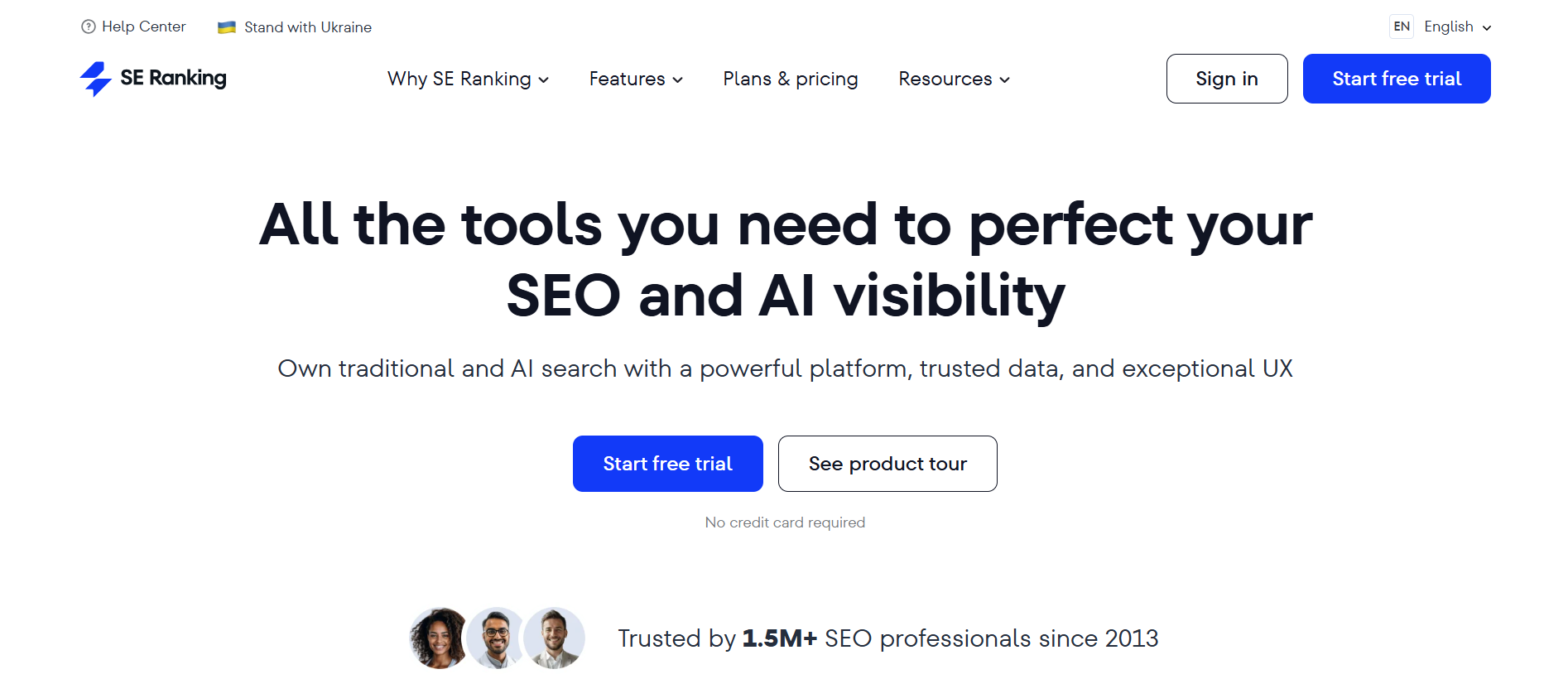
SE Ranking is Best For
SE Ranking is ideal for tracking keyword rankings across different search engines and locations. It’s especially useful for marketers and agencies that need accurate, consistent rank tracking without paying for a large all-in-one platform.
SE Ranking Overview
SE Ranking is an SEO platform with a strong focus on rank tracking, supported by tools for keyword research, site audits, and competitor analysis. What stands out most is how reliable and flexible its rank tracking feature is.
When I use SE Ranking, I can track keywords across multiple locations, devices, and search engines. This is particularly useful if you’re targeting different regions or running local SEO campaigns. Rankings are updated regularly, and the data is presented in a clear, easy-to-understand format—whether you’re tracking a small set of keywords or managing larger lists.
Another reason SE Ranking is so popular is the balance it strikes between functionality and simplicity. It includes enough features to cover most SEO needs, but the interface remains straightforward and easy to navigate. That makes it a solid option for both individuals and teams who want reliable data without a steep learning curve.
SE Ranking Features
- Accurate keyword rank tracking across locations and devices
- Keyword research and search volume analysis
- Website audit tool for technical SEO issues
- Competitor analysis and SERP tracking
- Backlink monitoring and analysis
- Custom reports and white-label reporting for agencies
SE Ranking Pros
- Strong and reliable rank tracking capabilities
- More affordable than many all-in-one SEO tools
- Easy-to-use interface with clear data presentation
- Useful reporting features for agencies and clients
SE Ranking Cons
- Smaller keyword and backlink database compared to larger platforms
- Fewer advanced features than enterprise-level SEO tools
SE Ranking Pricing
SE Ranking currently offers two packs, Core ($129/month) and Growth ($279/month). They offer several additions to these packs, including agency pack (+$69/month), AI search (+$89/month), and API(+$149/month).
Why We Recommend SE Ranking
SE Ranking earns its place on this list because it delivers reliable rank tracking without unnecessary complexity. It handles core SEO tasks well and offers enough flexibility for both individuals and agencies, making it a practical choice for tracking keyword performance over time.
Best SEO Tool for Technical SEO Audits
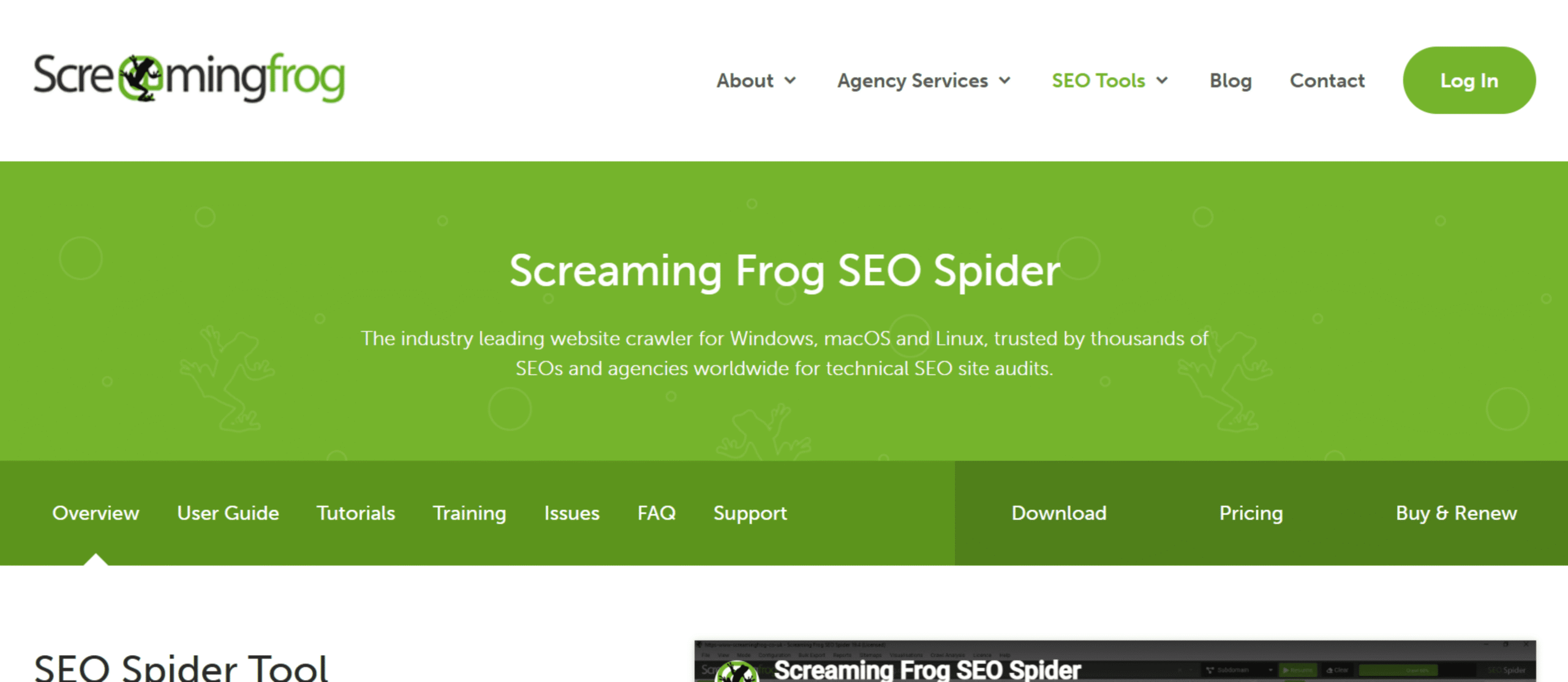
Screaming Frog is Best For
Screaming Frog SEO Spider is best suited for running detailed technical SEO audits. It’s particularly helpful for crawling websites and uncovering issues that might prevent pages from ranking properly in search engines.
Screaming Frog Overview
Screaming Frog SEO Spider is a desktop-based crawler designed to analyze websites in a way that’s similar to how search engines do it. Instead of manually checking pages one by one, the tool scans your entire site and collects technical data for every URL.
When I run a crawl with Screaming Frog, it quickly surfaces common SEO problems like broken links, missing title tags, duplicate meta descriptions, redirect chains, and pages blocked by robots.txt. On larger websites, this type of automated crawling is especially valuable because technical issues can easily slip through unnoticed.
Another reason many SEO professionals rely on Screaming Frog is the level of detail it provides. The tool doesn’t just flag issues—it allows you to filter, export, and analyze the data so you can clearly see where improvements are needed. Whether you’re auditing a small blog or a large e-commerce site, the crawler makes diagnosing technical SEO problems much more manageable.
Screaming Frog Features
- Website crawler that scans URLs for SEO issues
- Detection of broken links, redirects, and server errors
- Analysis of title tags, meta descriptions, and header tags
- Duplicate content identification
- XML sitemap generation
- Integration with Google Analytics and Google Search Console
Screaming Frog Pros
- Extremely powerful for technical SEO audits
- Provides detailed crawl data and exportable reports
- One of the most trusted tools among SEO professionals
- Works well for both small and large websites
Screaming Frog Cons
- Interface can feel technical for beginners
- Desktop software rather than a fully cloud-based platform
Screaming Frog Pricing
Screaming Frog offers a free version that allows crawling up to 500 URLs. The paid license ($279/year) removes this limit and unlocks additional features such as advanced configuration options, integrations, and scheduled crawls.
Why We Recommend Screaming Frog
Screaming Frog earns a place on this list because it’s one of the most effective tools for diagnosing technical SEO issues. Its ability to crawl entire websites and quickly surface problems makes it a go-to solution for SEOs who want a clear view of their site’s technical health.
Best Advanced Content Optimization Tool
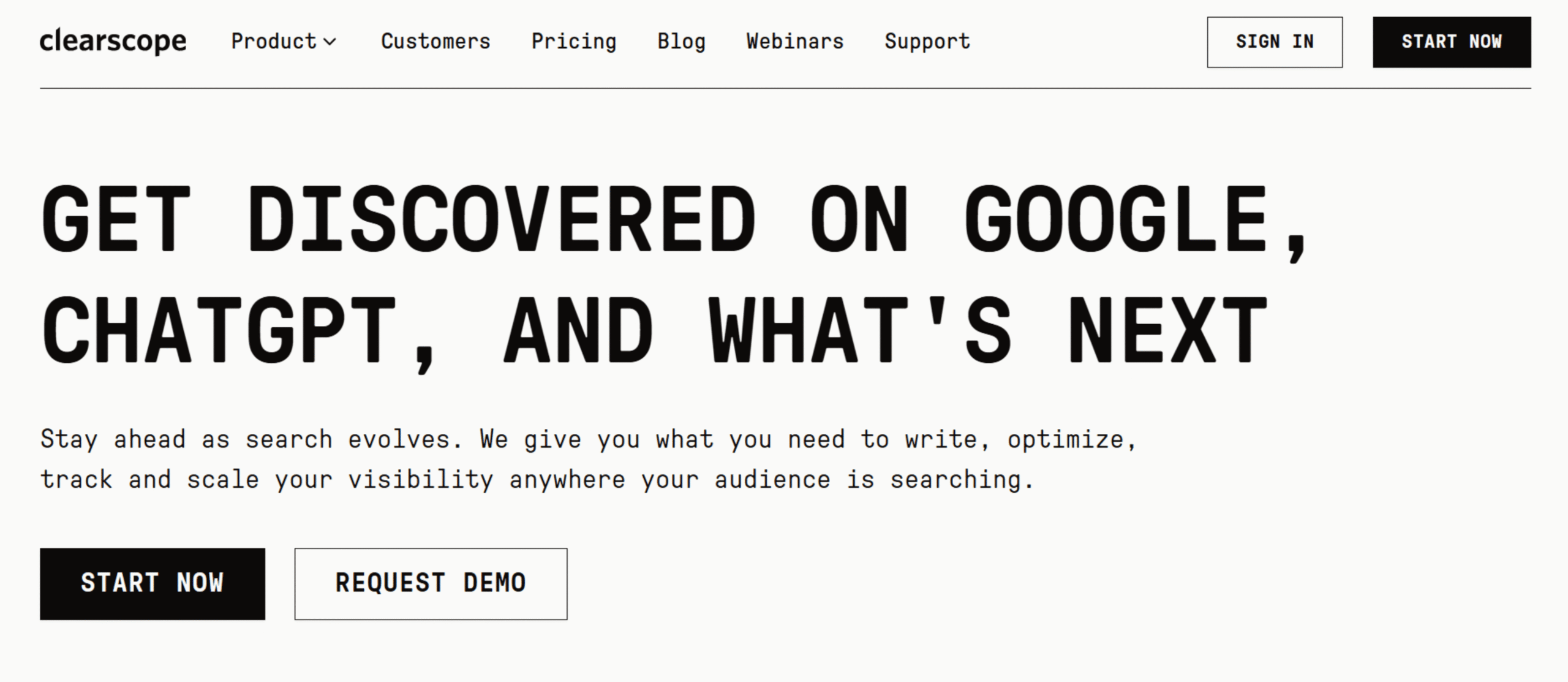
Clearscope is Best For
Clearscope is best suited for improving the depth and relevance of content. It’s especially helpful for teams that want to optimize articles around strong topic coverage and semantic relevance—not just repeating keywords.
Clearscope Overview
Clearscope is a content optimization platform designed to help writers create content that thoroughly covers a topic. Instead of focusing only on a primary keyword, the tool analyzes top-ranking pages in Google and identifies related terms and concepts that frequently appear in high-performing content.
When I run a report in Clearscope, it generates a list of recommended terms along with a content grade that updates as the article improves. This makes it easy to see whether a piece of content covers the topic well enough to compete with other pages in search results.
Another reason Clearscope is popular with SEO professionals and content teams is its simplicity. The interface is clean, the recommendations are easy to understand, and writers don’t need deep technical SEO knowledge to use it effectively. Many agencies and in-house marketing teams also use Clearscope to standardize how content is optimized across multiple writers.
Clearscope Features
- Content optimization reports based on top search results
- Recommended keywords and topic coverage suggestions
- Real-time content grading system
- Integration with Google Docs and WordPress
- Competitive analysis of top-ranking pages
- Clean interface designed for writers and editors
Clearscope Pros
- Excellent for improving topic coverage and content depth
- Easy for writers to understand and apply recommendations
- Clean, minimal interface with little learning curve
- Widely used by professional content teams
Clearscope Cons
- More expensive than many other content optimization tools
- Focused only on content optimization rather than full SEO workflows
Clearscope Pricing
Clearscope offers several pricing tiers, including Essentials ($129/month), Business ($399/month), and Enterprise (Custom).
Why We Recommend Clearscope
Clearscope earns a spot on this list because it helps writers create content that truly covers a topic in depth. Instead of guessing which related keywords to include, the platform analyzes top-ranking pages and turns that information into clear recommendations that improve both content quality and search performance.
Best SEO Tool for Beginners
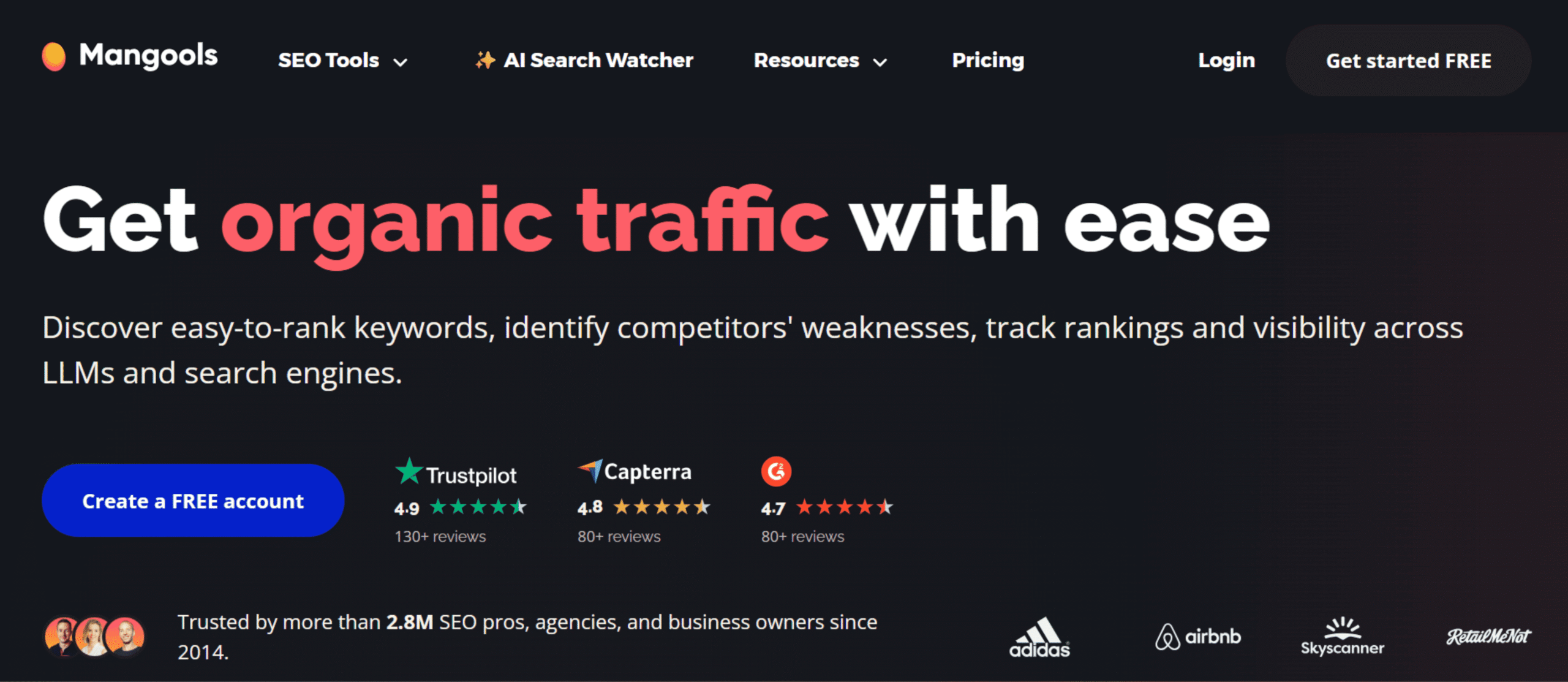
Mangools is Best For
Mangools is a great option for beginners who want an easy way to research keywords, track rankings, and analyze competitors without navigating a complicated SEO platform. It’s especially well suited for bloggers, small businesses, and anyone learning SEO for the first time.
Mangools Overview
Mangools is an SEO toolkit made up of several simple, focused tools that cover the core parts of SEO. Instead of placing everything inside one large dashboard, Mangools separates its features into individual tools like KWFinder for keyword research, SERPChecker for analyzing search results, and SERPWatcher for rank tracking.
One thing that stands out immediately is how easy the platform is to use. When I first tried Mangools, the interface felt clean and straightforward, even without much SEO experience. You can enter a keyword, quickly see its search volume and difficulty score, and decide within seconds whether it’s worth targeting.
While Mangools doesn’t have the massive data sets or advanced capabilities of tools like Semrush or Ahrefs, it handles the most important SEO tasks very well. For beginners, that simplicity often makes it easier to stay focused and actually take action.
Mangools Features
- KWFinder for keyword research and difficulty analysis
- SERPChecker for analyzing search results and competition
- SERPWatcher for tracking keyword rankings
- LinkMiner for backlink analysis
- SiteProfiler for quick domain authority and SEO metrics
- Clean and beginner-friendly interface
Mangools Pros
- Very easy to learn and navigate
- Excellent keyword research tool for beginners
- Affordable compared to many major SEO platforms
- Clear keyword difficulty and SERP analysis data
Mangools Cons
- Smaller keyword database compared to larger tools
- Limited advanced SEO features for large-scale projects
Mangools Pricing
Mangools offers several pricing tiers, including Mangools Basic + AI SW PRO ($30.50/month), Mangools Premium + AI SW PRO ($40.50/month), and Mangools Agency + AI SW PRO ($70.50/month).
Why We Recommend Mangools
Mangools earns a place on this list because it strikes a strong balance between simplicity and functionality. It covers the core SEO tasks—keyword research, rank tracking, and competitor analysis—without overwhelming new users. For beginners looking for an affordable and easy way to start using SEO tools, Mangools is one of the most accessible options available.
Best Enterprise SEO Tool
seoClarity is Best For
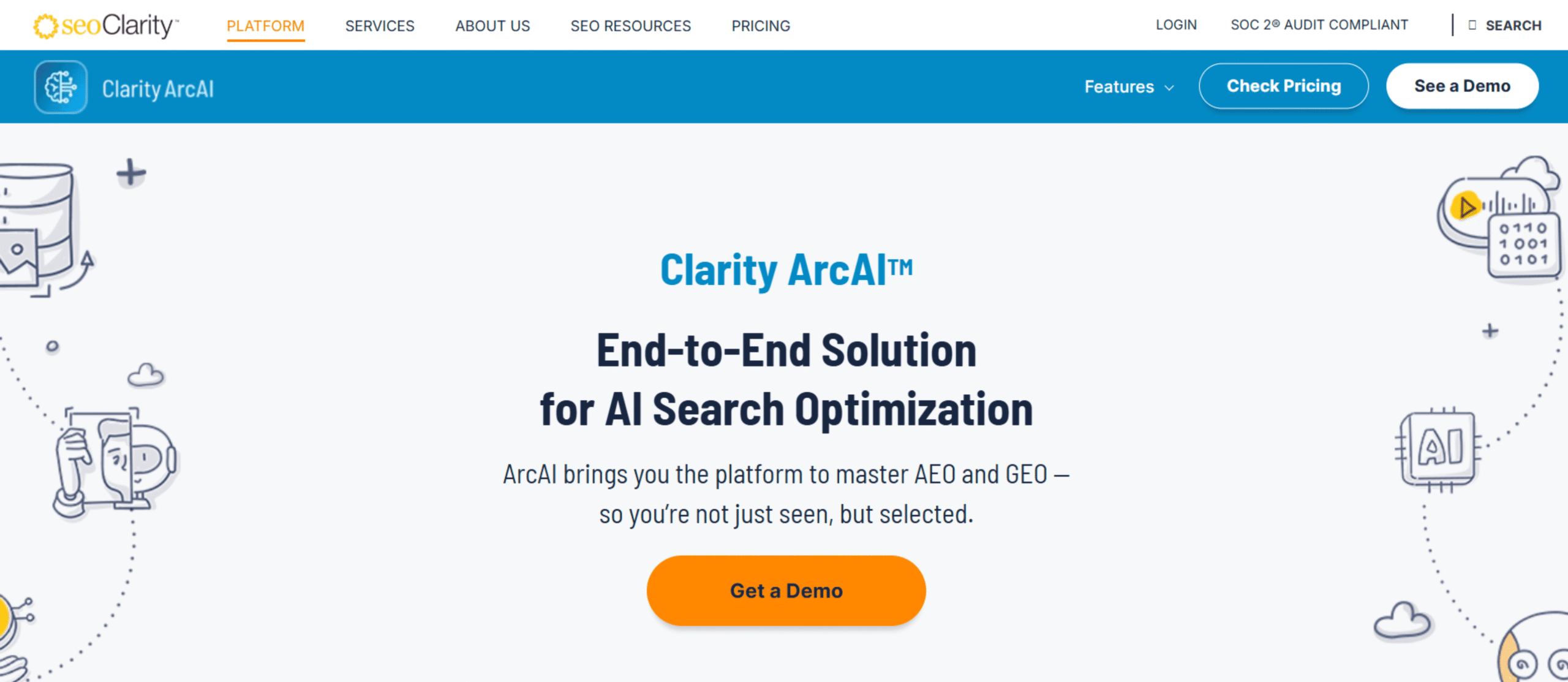
seoClarity is designed for large organizations that need enterprise-level SEO insights, automation, and large-scale data analysis. It’s particularly suited for companies managing thousands of pages and complex SEO strategies across multiple teams.
seoClarity Overview
seoClarity is an enterprise SEO platform built to help large businesses manage search performance at scale. While many SEO tools focus on individual websites or smaller projects, seoClarity is built for companies handling large content libraries, international websites, and complex reporting requirements.
One of the standout aspects of seoClarity is its focus on automation and AI-driven insights. Instead of manually reviewing massive amounts of SEO data, the platform uses machine learning to identify trends, uncover content opportunities, and detect technical issues across entire websites.
This becomes especially valuable when working with large sites. Even small SEO problems can affect thousands of pages. seoClarity helps address this by centralizing data from keyword rankings, site audits, competitor research, and content optimization into a single platform. As a result, marketing teams, SEO specialists, and stakeholders can collaborate more easily and monitor performance in one place.
Because of these capabilities, seoClarity is widely used by enterprise companies, large ecommerce brands, and organizations with dedicated SEO teams.
seoClarity Features
- AI-powered SEO insights and recommendations
- Large-scale keyword rank tracking across multiple locations
- Enterprise-level site auditing and issue detection
- Content optimization tools for large content libraries
- Competitive analysis and market share insights
- Custom dashboards and advanced reporting for teams
seoClarity Pros
- Designed specifically for large websites and enterprise teams
- Powerful AI-driven insights and automation features
- Strong reporting and collaboration capabilities
- Handles massive amounts of SEO data efficiently
seoClarity Cons
- Pricing is significantly higher than most standard SEO tools
- More complex setup compared to beginner-friendly platforms
seoClarity Pricing
Rankings (custom), Research & Content ($2,500/month), Technical SEO ($3,200/month), Enterprise ($4,500/month)
Why We Recommend seoClarity
seoClarity earns its place on this list because it’s built specifically for enterprise-level SEO. Its ability to analyze large datasets, automate insights, and manage complex SEO operations makes it a strong choice for organizations that need more advanced capabilities than typical SEO tools provide.
Best SEO Tool for Content Research
BuzzSumo is Best For
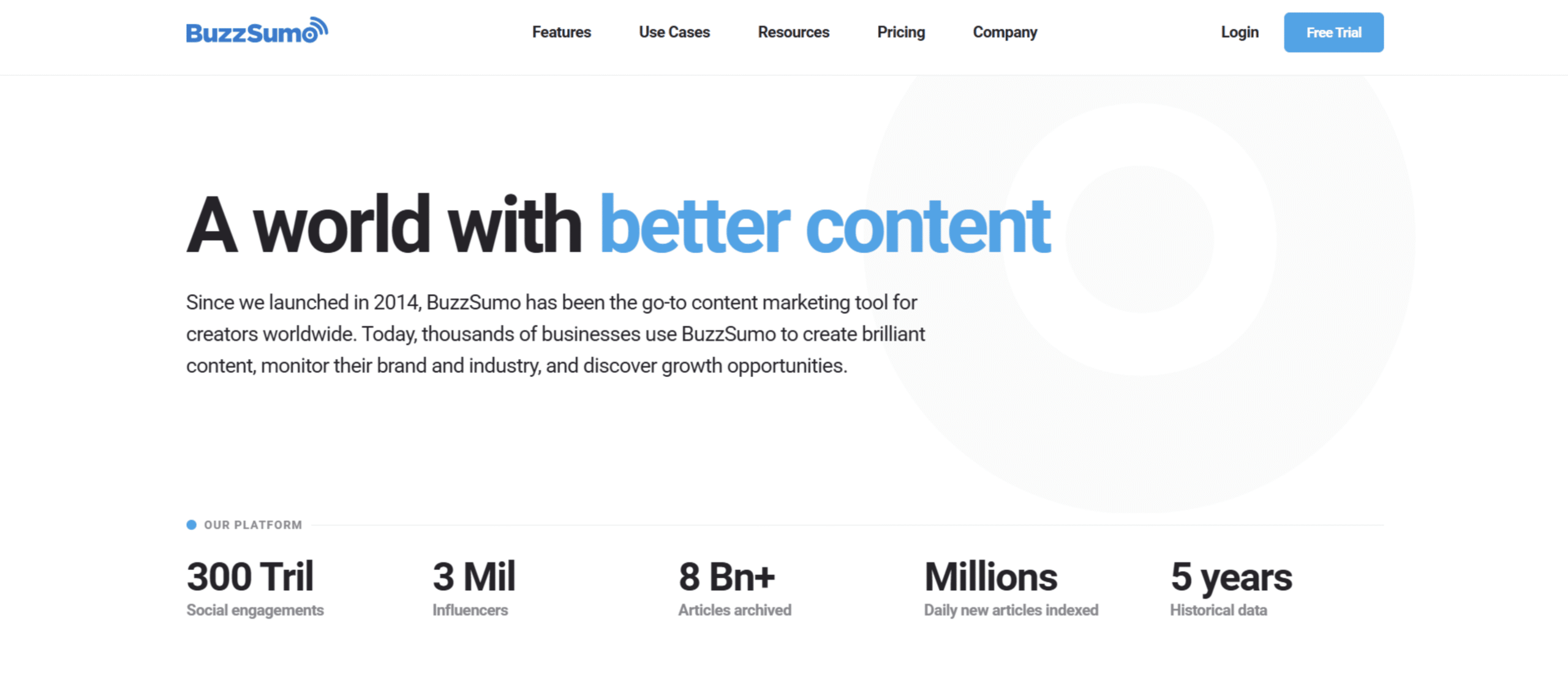
BuzzSumo is ideal for discovering popular content ideas and understanding which topics perform well online. It’s particularly useful for marketers and content creators who want to find articles that generate strong engagement and backlinks.
BuzzSumo Overview
BuzzSumo is a content research platform that helps you see which topics, articles, and content formats are gaining traction across the web. Instead of guessing what your audience might find interesting, you can search for a topic and instantly view the most shared or linked-to content related to it.
When I use BuzzSumo, I usually begin with a broad keyword or topic. The platform then highlights articles that have performed well based on social shares, backlinks, and overall engagement. This makes it much easier to understand what type of content resonates with readers and which angles competitors are already covering.
Another useful capability is analyzing which websites and authors consistently produce high-performing content in a particular niche. For content marketers and SEO professionals, insights like these can help shape stronger content strategies and uncover opportunities for outreach or collaboration.
BuzzSumo Features
- Content discovery based on topic, keyword, or domain
- Analysis of social engagement and content performance
- Backlink data for popular articles
- Trending content monitoring
- Influencer discovery and outreach insights
- Alerts for brand mentions or competitor content
BuzzSumo Pros
- Excellent for discovering high-performing content ideas
- Helpful for planning content marketing strategies
- Strong insights into social engagement and trends
- Easy-to-use interface for quick research
BuzzSumo Cons
- Primarily focused on content research rather than full SEO analysis
- Pricing can be higher for smaller teams or individual creators
BuzzSumo Pricing
Content Creation ($199/month), PR & Comms ($299/month), Suite ($499/month), Enterprise ($999/month)
Why We Recommend BuzzSumo
BuzzSumo earns a place on this list because it simplifies one of the toughest parts of content marketing: finding topics people actually care about. By showing which articles perform well across the web, it helps marketers create content that’s more likely to attract attention, engagement, and backlinks.
Best SEO Tool for Finding Content Ideas
AnswerThePublic is Best For
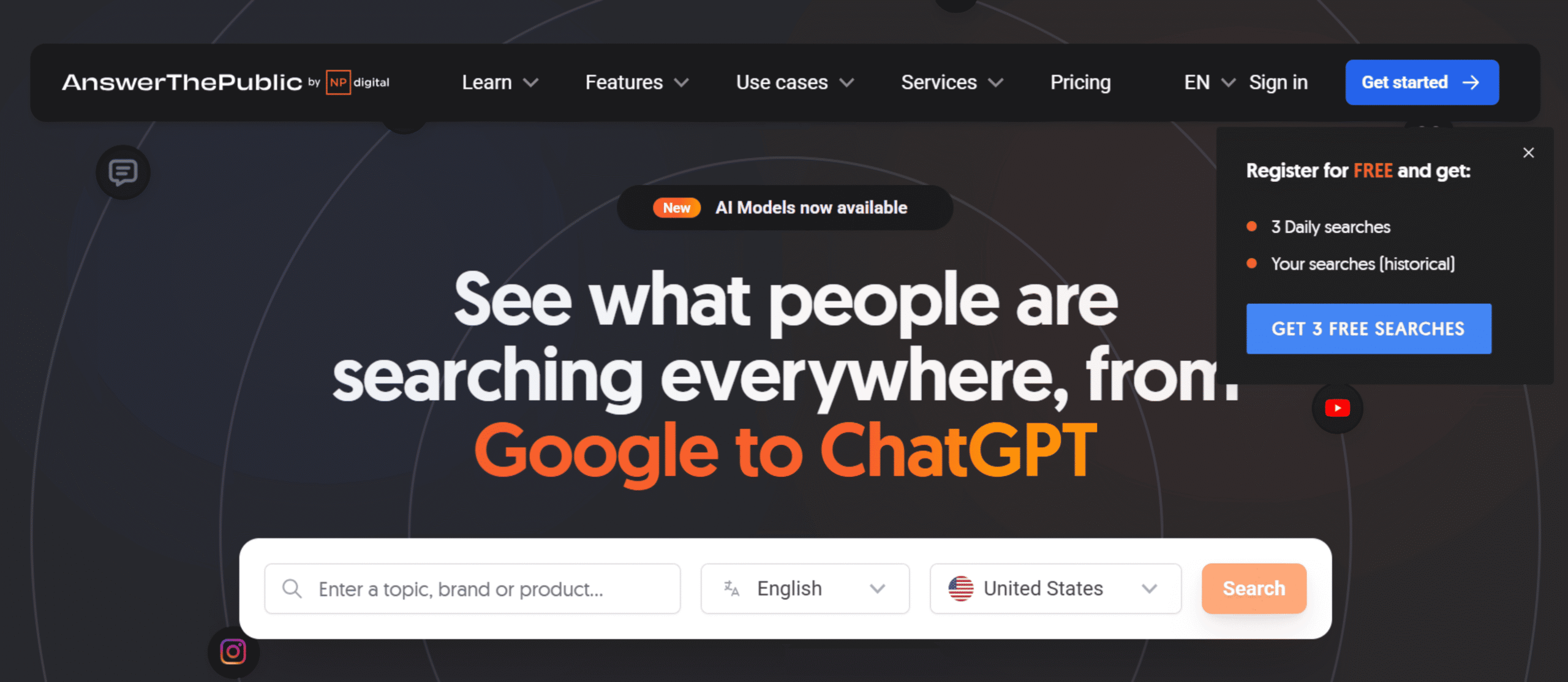
AnswerThePublic is best for discovering question-based keywords and content ideas based on what people are actually searching for. It’s particularly helpful for bloggers, content marketers, and SEO professionals planning new articles.
AnswerThePublic Overview
AnswerThePublic is a keyword research tool designed to surface the questions and phrases people type into search engines. Instead of showing only keyword metrics, the platform focuses on revealing search intent by organizing queries into categories like questions, comparisons, and prepositions.
When I use AnswerThePublic, I usually start with a broad topic or keyword. The tool then generates dozens (sometimes hundreds) of related search queries that real users are typing into Google. These often include questions like “how,” “why,” or “what,” which are excellent starting points for blog posts, FAQs, or content clusters.
One of the reasons the tool is popular among SEO professionals is its ability to quickly reveal long-tail keyword opportunities. These queries often have lower competition and can be easier to rank for, especially when building topical authority around a subject.
AnswerThePublic Features
- Question-based keyword suggestions
- Visual keyword maps showing related search queries
- Categories like questions, comparisons, and prepositions
- Long-tail keyword discovery
- Search listening alerts for new keyword trends
- Data export for keyword lists and research
AnswerThePublic Pros
- Excellent for generating content ideas quickly
- Reveals real questions people search for online
- Helpful for building FAQ sections and blog topics
- Simple and intuitive interface
AnswerThePublic Cons
- Limited keyword metrics compared to larger SEO tools
- The free version restricts the number of daily searches
AnswerThePublic Pricing
Starter ($10/month), Growth ($49/month), Business ($99/month)
Why We Recommend AnswerThePublic
AnswerThePublic made this list because it’s one of the easiest ways to uncover content ideas directly from search behavior. By turning search queries into organized topic ideas, it helps marketers create content that answers real questions people are already asking online.
Best SEO Tool for Keyword Metrics in Google
Keywords Everywhere is Best For
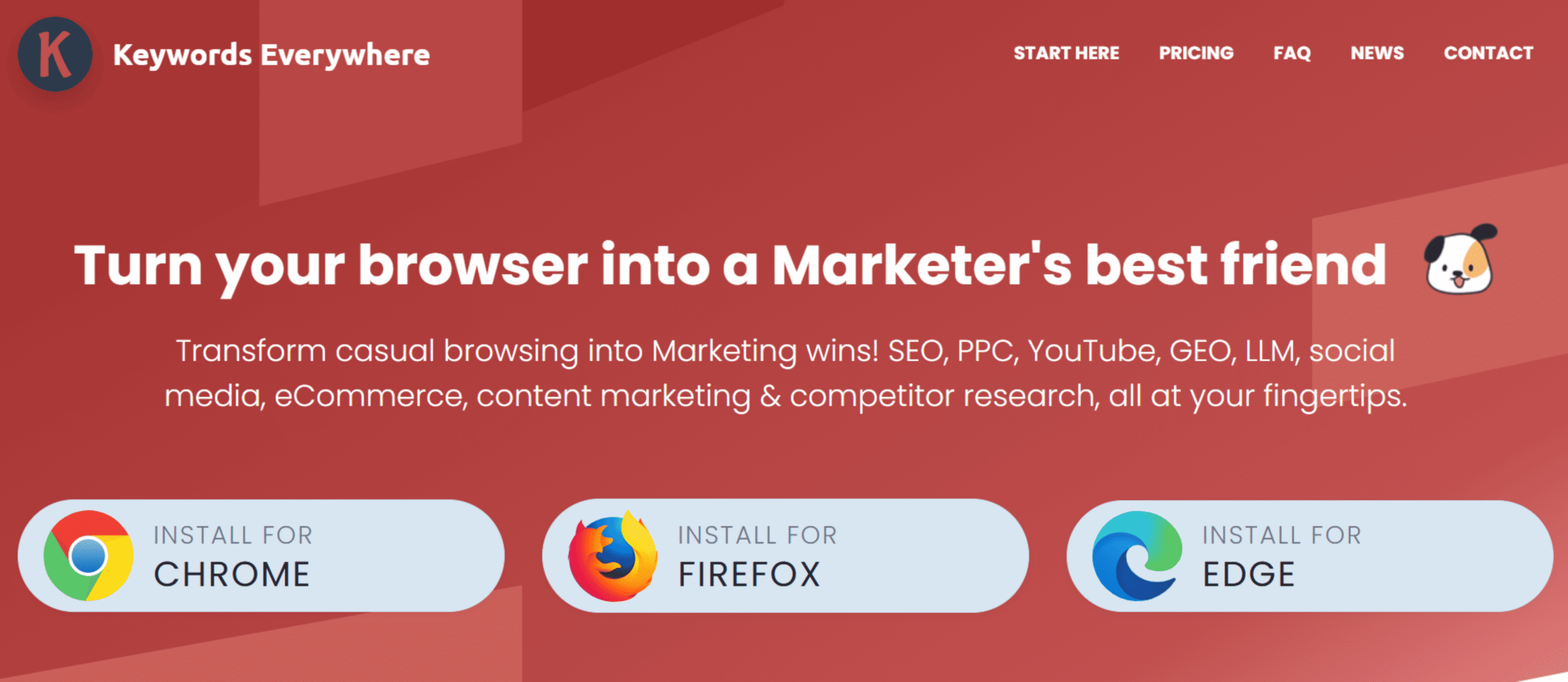
Keywords Everywhere is ideal for quickly viewing keyword metrics directly inside Google search results. It’s especially helpful for marketers and content creators who want fast keyword insights without constantly switching between different SEO tools.
Keywords Everywhere Overview
Keywords Everywhere is a browser extension that displays keyword data directly within search engines and popular websites. Instead of opening a separate SEO platform for keyword research, you can see key metrics while browsing Google, YouTube, Amazon, and other platforms.
What I find most useful about Keywords Everywhere is how fast it makes keyword research. As soon as you search for a term in Google, the extension shows estimated search volume, cost-per-click (CPC), and competition data right on the results page. It also provides additional keyword suggestions in the sidebar, which can be useful when expanding a keyword list or brainstorming new content ideas.
Because the data appears directly within the search experience, the tool fits naturally into everyday research workflows. Many SEO professionals keep it installed as a lightweight companion tool alongside larger platforms like Semrush or Ahrefs.
Keywords Everywhere Features
- Keyword search volume displayed directly in Google results
- CPC and competition metrics for keywords
- Related keyword suggestions within SERPs
- Data integration with Google, YouTube, Amazon, and other sites
- Keyword trend charts and historical data
- Ability to export keyword lists for research
Keywords Everywhere Pros
- Extremely convenient for quick keyword research
- Works directly inside Google search results
- Lightweight and easy to install as a browser extension
- Affordable compared to many full SEO platforms
Keywords Everywhere Cons
- Limited functionality compared to full SEO suites
- Keyword data accuracy may vary for smaller search terms
Keywords Everywhere Pricing
Keywords Everywhere uses a credit-based pricing model. Users purchase credits that are used when generating keyword data or exporting reports.
- Bronze ($84/year) — 100,000 credits/year
- Silver ($168/year) — 400,000 credits/year
- Gold ($480/year) — 2 million credits/year
- Platinum ($1440/year) — 8 million credits/year
Why We Recommend Keywords Everywhere
Keywords Everywhere earns a spot on this list because it makes keyword research incredibly convenient. By showing search volume and related keyword data directly inside Google, it allows marketers to evaluate keywords quickly without interrupting their workflow. For quick insights and everyday SEO research, it’s one of the most practical tools to keep installed.
Best SEO Tool for Competitor Traffic Analysis

SimilarWeb is Best For
SimilarWeb is ideal for analyzing competitor website traffic and understanding where that traffic comes from. It’s particularly useful for marketers who want a high-level view of how competing websites attract visitors.
SimilarWeb Overview
SimilarWeb is a digital intelligence platform that estimates how much traffic a website receives and identifies the channels driving that traffic. Unlike many SEO tools that focus mainly on keywords or backlinks, SimilarWeb offers a broader look at a website’s overall online performance.
When I analyze a competitor in SimilarWeb, one of the first things I check is how their traffic is distributed across different channels. The platform breaks this down into sources like organic search, paid search, social media, referrals, and direct visits. Seeing this distribution makes it easier to understand which marketing strategies might be working for them and where potential opportunities exist.
Another useful feature is the insight into audience behavior. SimilarWeb provides engagement metrics such as average visit duration, pages per visit, and bounce rate. Combined with traffic source data, these metrics help paint a clearer picture of how users interact with competing websites.
Because of this broader market perspective, SimilarWeb is widely used by marketing teams for competitive research and strategic planning.
SimilarWeb Features
- Website traffic estimates and analytics
- Breakdown of traffic sources (search, social, referral, direct)
- Competitor benchmarking and market analysis
- Keyword and search traffic insights
- Audience engagement metrics
- Industry trends and market share analysis
SimilarWeb Pros
- Excellent overview of competitor traffic and marketing channels
- Helpful for identifying traffic opportunities and industry trends
- Easy-to-understand dashboards and reports
- Useful for both SEO and broader digital marketing analysis
SimilarWeb Cons
- Traffic data is estimated rather than exact
- Advanced features are limited in lower-tier plans
SimilarWeb Pricing
Competitive Intelligence ($125/month), Competitive Intel & SEO ($335/month), Competitive Intel, SEO, & Ads ($540/month)
Why We Recommend SimilarWeb
SimilarWeb earns a spot on this list because it offers valuable insight into how websites attract and engage their audiences. By revealing traffic sources and competitor performance, it helps marketers identify growth opportunities and see how their SEO strategy fits into the broader digital marketing landscape.
Best SEO Tool for Discovering Search Trends
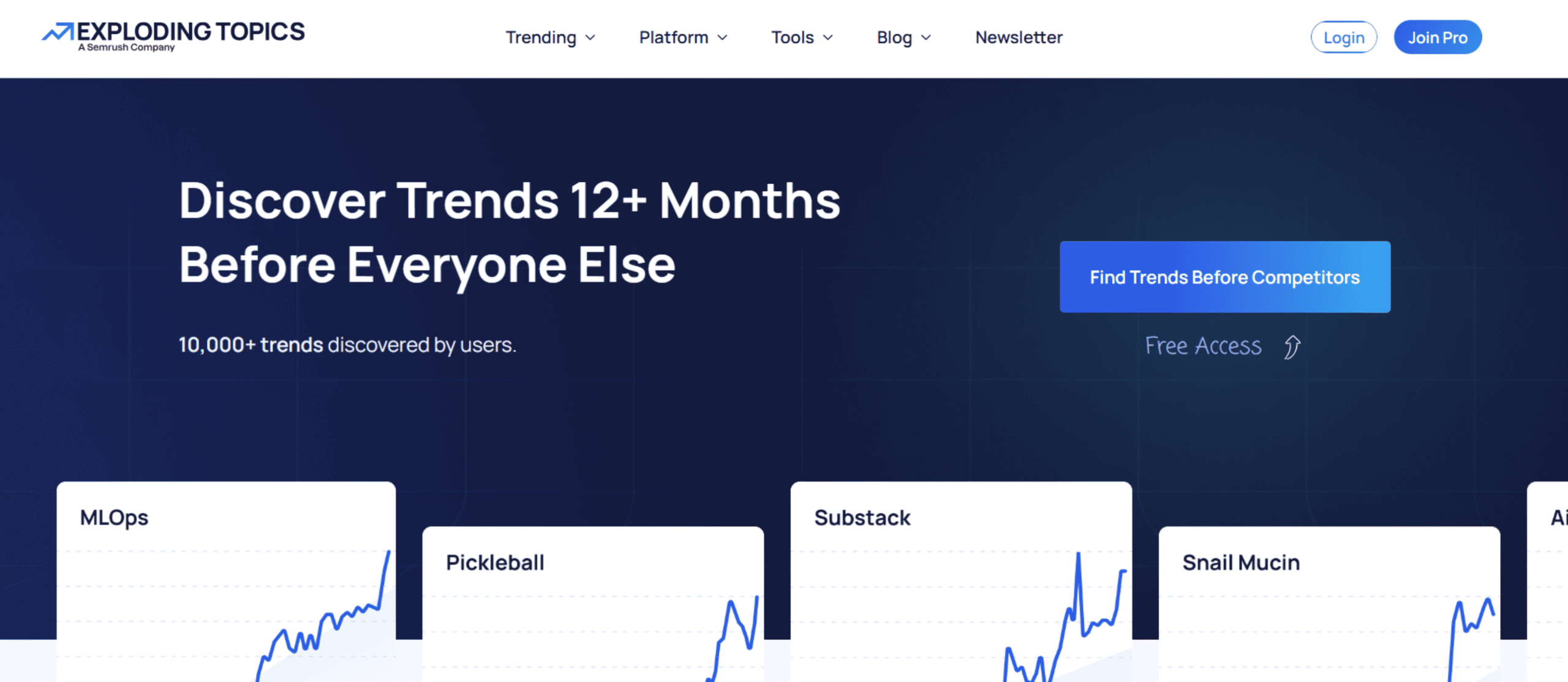
Exploding Topics is Best For
Exploding Topics is ideal for identifying emerging search trends before they become widely popular. It’s especially useful for marketers, founders, and content creators who want to publish content around topics that are just starting to gain traction.
Exploding Topics Overview
Exploding Topics is a trend discovery platform built to uncover topics that are rapidly gaining popularity online. Instead of focusing on what’s already trending, the tool highlights subjects that are just beginning to pick up momentum.
When I browse Exploding Topics, I usually see a curated list of keywords, products, and technologies that are experiencing strong growth in search interest. Each topic includes a trend graph, making it easy to visualize how interest has increased over time.
The biggest advantage of this approach is timing. By identifying trends early, you have the chance to create content, build authority, or launch products before the topic becomes highly competitive in search results.
Because of this, many SEO professionals and marketers use Exploding Topics during the content planning stage to uncover future opportunities and stay ahead of industry trends.
Exploding Topics Features
- Database of rapidly growing search topics
- Trend graphs showing growth in search interest
- Category filters for industries like tech, business, and marketing
- Weekly trend reports and alerts
- Keyword and topic tracking
- Pro dashboard with deeper trend insights
Exploding Topics Pros
- Excellent for discovering emerging topics early
- Simple and easy-to-use interface
- Useful for content planning and market research
- Helps identify low-competition opportunities before they peak
Exploding Topics Cons
- Focused on trend discovery rather than full SEO analysis
- Some advanced trend insights require a paid plan
Exploding Topics Pricing
Entrepreneur ($39/month), Investor ($99/month), Business ($249/month)
Why We Recommend Exploding Topics
Exploding Topics earns a spot on this list because it helps marketers spot opportunities before they become crowded. By highlighting fast-growing search trends early, it allows content creators and businesses to target topics with strong growth potential in search engines.
Best Free SEO Tools
You don’t always need expensive software to get started with SEO. In fact, some of the most useful SEO tools are completely free—especially the ones provided by search engines themselves. While premium platforms offer deeper insights and more advanced features, free tools can still handle many essential SEO tasks. Things like monitoring your site’s performance, researching keywords, and spotting search trends are all possible without paying for specialized software.
Google Search Console
Google Search Console helps you track how your website performs in Google search results. It shows which keywords bring visitors to your site, identifies indexing issues, and alerts you to technical problems that could affect your rankings.
Google Keyword Planner
Google Keyword Planner is designed to help advertisers find keywords, but it’s also useful for SEO research. The tool allows you to discover keyword ideas and estimate search volume for different queries, making it a helpful starting point for identifying topics people are searching for.
Google Trends
Google Trends shows how interest in a topic changes over time. It’s particularly useful for spotting trending topics, comparing search terms, and understanding seasonal patterns in search demand.
How to Choose the Right SEO Tool
Not every SEO tool is designed for the same type of user. Some platforms prioritize simplicity, while others offer advanced analytics built for large teams and complex websites. Choosing the right tool usually depends on your experience level, the size of your website, and the type of SEO work you plan to focus on.
Best SEO Tools for Beginners
If you’re new to SEO, ease of use should be your top priority. Look for tools with a clean interface and straightforward keyword metrics so you can quickly understand what actions to take. Platforms like Mangools and other beginner-friendly keyword research tools are often a good starting point because they cover the essentials without overwhelming you with advanced features.
Best SEO Tools for Agencies
Agencies often manage multiple websites and clients at the same time, so scalability becomes important. The best tools for agencies usually include features such as competitor analysis, automated reporting, keyword tracking across multiple domains, and collaboration tools for teams. All-in-one platforms like Semrush or Ahrefs are popular choices because they allow agencies to manage several SEO tasks from a single dashboard.
Best SEO Tools for Small Businesses
Small businesses typically need tools that provide useful insights without a large monthly cost. The most practical SEO tools for small businesses focus on keyword research, rank tracking, and basic site audits. A platform that balances affordability with actionable data can help smaller teams improve their search visibility without investing in enterprise-level software.
Best SEO Tools for Content Teams
Content-focused teams should prioritize tools that support keyword research and on-page optimization. Platforms like Surfer SEO or Clearscope help writers structure articles around relevant topics and keywords, making it easier to create content that aligns with what people are searching for.
SEO Tool Comparisons
Semrush vs Ahrefs
Semrush and Ahrefs are two of the most widely used SEO platforms, and both provide a comprehensive set of tools for keyword research, competitor analysis, and site audits. They overlap in many areas, but each platform has its own strengths depending on the type of SEO work you focus on.
Key Differences
- Keyword research: Semrush offers a broader set of keyword tools along with detailed keyword grouping features.
- Backlink analysis: Ahrefs is well known for its massive backlink index and powerful link analysis tools.
- Overall features: Semrush includes additional marketing tools such as PPC research, content marketing tools, and social media tracking.
- Pricing: Both platforms are premium tools, but Semrush often bundles more marketing features into its plans.
When to Choose Semrush
Choose Semrush if you want an all-in-one marketing platform that combines SEO, content research, competitor analysis, and additional digital marketing tools in a single dashboard.
When to Choose Ahrefs
Choose Ahrefs if your main focus is backlink analysis and competitor link research, or if you want highly detailed insights into link profiles.
Surfer vs Clearscope
Surfer and Clearscope are both designed for content optimization, helping writers structure articles based on what’s already ranking in search results. The main difference lies in how they present recommendations and how their tools fit into a content workflow.
Key Differences
- Content scoring: Surfer provides a detailed content score with real-time optimization suggestions.
- Keyword recommendations: Clearscope focuses more on semantic topic coverage and natural keyword usage.
- Integrations: Both tools integrate with Google Docs and WordPress, while Surfer also offers additional workflow integrations.
- Pricing: Surfer generally provides more flexible pricing options, while Clearscope is positioned as a premium content optimization platform.
When to Choose Surfer
Choose Surfer if you want a data-driven content editor with clear optimization scores and tools designed to support large-scale content production.
When to Choose Clearscope
Choose Clearscope if your main goal is improving content depth and topic coverage using a clean, writer-friendly interface.
SE Ranking vs Semrush
SE Ranking and Semrush both support rank tracking, keyword research, and SEO analysis. However, they cater to slightly different audiences. SE Ranking focuses more on simplicity and affordability, while Semrush offers a broader range of advanced marketing tools.
Key Differences
- Rank tracking: SE Ranking provides flexible and accurate rank tracking across multiple locations and search engines.
- Pricing: SE Ranking is generally more affordable and accessible for smaller teams.
- Feature depth: Semrush includes a wider range of SEO and digital marketing tools.
- Ease of use: SE Ranking has a simpler interface, while Semrush offers more advanced capabilities with a steeper learning curve.
When to Choose SE Ranking
Choose SE Ranking if you primarily need reliable rank tracking and core SEO features without paying for a large all-in-one platform.
When to Choose Semrush
Choose Semrush if you want a more comprehensive toolkit that includes competitor analysis, keyword research, site audits, and broader marketing insights.
Wrapping Up
Choosing the best SEO tools ultimately depends on what you’re trying to accomplish. Some tools are built for deep technical analysis, while others focus on content optimization, keyword research, or competitor insights. The right platform should match both your workflow and your level of SEO experience.
If you want a powerful all-in-one platform, Semrush is one of the most versatile options available. For backlink research and competitive link analysis, Ahrefs remains a strong choice. Content-focused teams will benefit from tools like Surfer SEO or Clearscope, which help writers create pages that align with what search engines are rewarding.
Beginners or smaller teams may prefer simpler tools like Mangools, while enterprise organizations often rely on platforms like seoClarity for large-scale SEO analysis and automation.
The key takeaway is that SEO tools are meant to simplify decision-making. When you choose the right one, tasks like keyword research, rank tracking, and technical audits become much easier to manage as your website grows.