
Best Apps
10 Best SEO Audit Tools in 2026
By Henry Madden · April 4, 2026
Your site might look fine on the surface. Rankings steady. Traffic is coming in.
But under the hood, things break.
Pages don’t get indexed. Links fail. Load times creep up. Content gets thin.
And you don’t see any of it.
That’s how rankings slip. Quietly.
SEO audits catch these problems early. They show you what’s holding your site back, what needs fixing, and where the real opportunities are. Without them, you’re guessing.
The hard part is choosing the right tool. Some go deep into technical SEO. Some focus on reports and dashboards. Some try to do everything, but end up doing none of it well.
This guide cuts through that.
We’ve picked the 10 best SEO audit tools in 2026, what they’re good at, where they fall short, and who they’re actually for.
What Is an SEO Audit Tool?
An SEO audit tool scans your website the way a search engine would. It crawls your pages, reads your code, and flags anything that could hurt rankings.
It checks technical issues like broken links, crawl errors, slow pages, and indexing problems. It also looks at on-page elements like titles, headings, and content quality.
Most tools go further. They review backlinks, site structure, and overall site health, then turn all of that into a list of issues to fix.
Why SEO Audits Matter
Small issues don’t stay small for long. A few broken pages or slow load times can quietly drag your rankings down.
Audits show you what’s actually wrong. Not what you think is wrong. That’s the difference between guessing and knowing.
They also give you a clear plan. What to fix first, what can wait, and what will move the needle fastest.
For agencies, audits are proof. You can show clients what was broken, what you fixed, and how things improved.
What Makes the Best SEO Audit Tool?
Crawl Depth and Accuracy
A good tool finds everything that matters. It should crawl large sites without missing pages, and report issues accurately, not inflate problems that don’t exist.
Ease of Use and Reporting
You shouldn’t need hours to understand the results. The best tools keep reports clean, clear, and easy to act on, especially when sharing with clients.
White-Label and Agency Features
Agencies need more than data. White-label reports, client dashboards, and scheduled audits save time and make your work look professional.
Integrations (GSC, GA, etc.)
Strong integrations give better context. Connecting Google Search Console and Analytics helps you tie issues to real traffic and performance.
Pricing and Scalability
The tool should grow with you. Whether you’re auditing one site or fifty, pricing and limits should make sense without forcing an upgrade too early.
The 10 Best SEO Audit Tools Comparison
| Tool | Best For | Free Plan | Starting Price | White-Label |
|---|---|---|---|---|
| Semrush | All-round SEO auditing | No | $139.95/mo | Limited |
| SE Ranking | Agencies on a budget | No | $129/mo | Yes (add-on) |
| Screaming Frog | Technical SEO audits | Yes (500 URLs) | $279/yr | No |
| Ahrefs | Backlink + site auditing | No | $29/mo | No |
| Morningscore | Beginners | No | $69/mo | No |
| SEOptimer | White-label reports | Yes | $29/mo | Yes |
| Conductor | Real-time monitoring | No | Custom | Limited |
| Sitebulb | Visualizing site structure | No | $18/mo | No |
| Google Search Console | Free auditing from Google | Yes (free) | Free | No |
| Clearscope | On-page optimisation | No | $129/mo | No |
Best Overall SEO Audit Tool
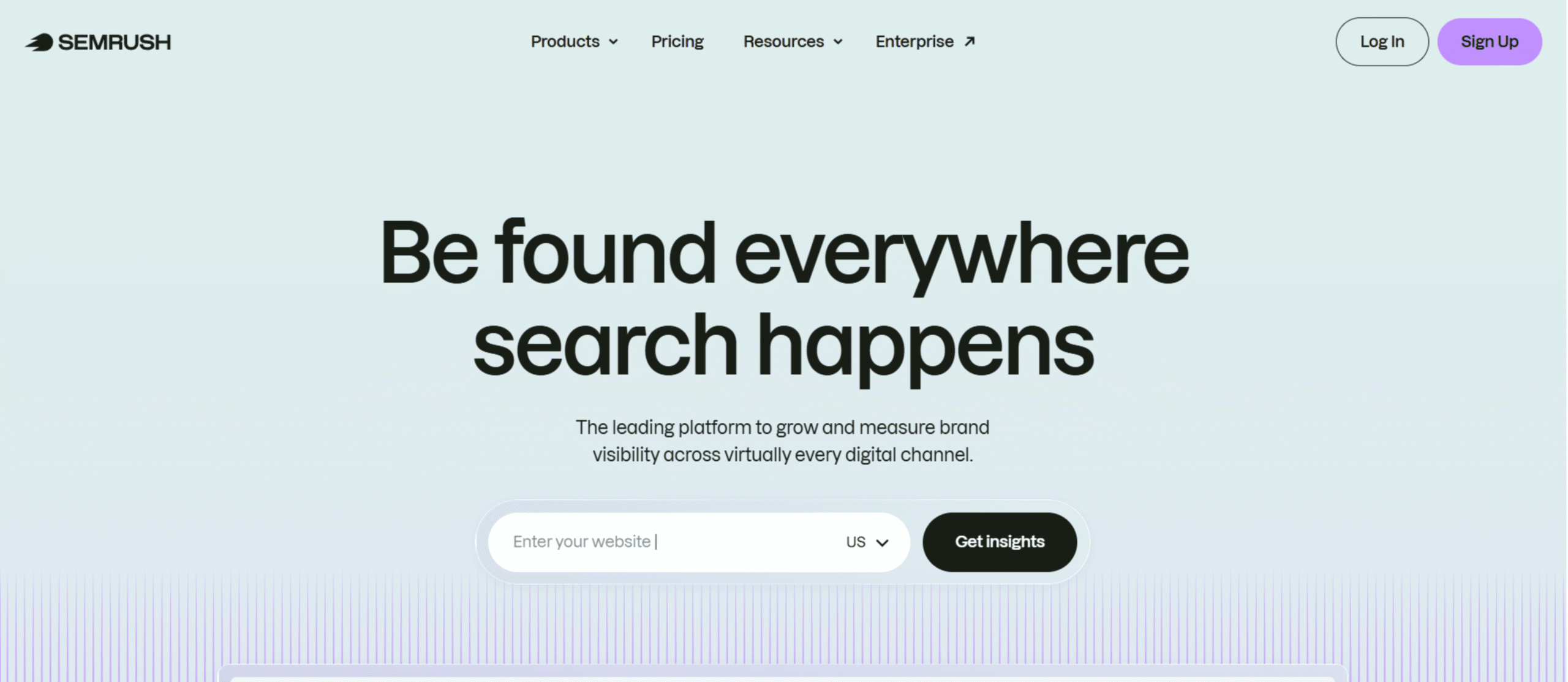
Best For: Businesses and marketers who want a complete SEO audit tool that also connects with keyword research, content, and competitor data
Overview:
Semrush Site Audit is part of a much larger SEO platform. That’s what makes it different. You’re not just auditing your site; you’re seeing how those issues connect to rankings, traffic, and competitors.
It crawls your site, scores overall health, and groups issues by priority. You get a clear picture of what’s broken and what to fix first.
This works best for teams that don’t want separate tools for everything. If you’re already doing keyword research, tracking rankings, or analyzing competitors, keeping it all in one place saves time.
Key Features:
- Full-site crawl with configurable crawl limits
- Site Health score based on overall issue severity
- Issue categorization (Errors, Warnings, Notices)
- Core Web Vitals and page speed analysis
- Internal linking and crawlability reports
- Integration with Google Search Console for deeper insights
Pros:
- Easy-to-understand reports with clear prioritization
- Combines audit data with keyword and competitor insights
- Strong visual dashboards for tracking progress
- Reliable crawling for small to large sites
Cons:
- Pricing is higher than most standalone audit tools
- It can feel overwhelming if you only need audits
- Some advanced features are locked behind higher plans
Pricing:
Semrush offers three primary plans: Pro ($139.95/month), Guru ($249.95/month), and Business ($499.95/month).
Best SEO Audit Tool for Agencies
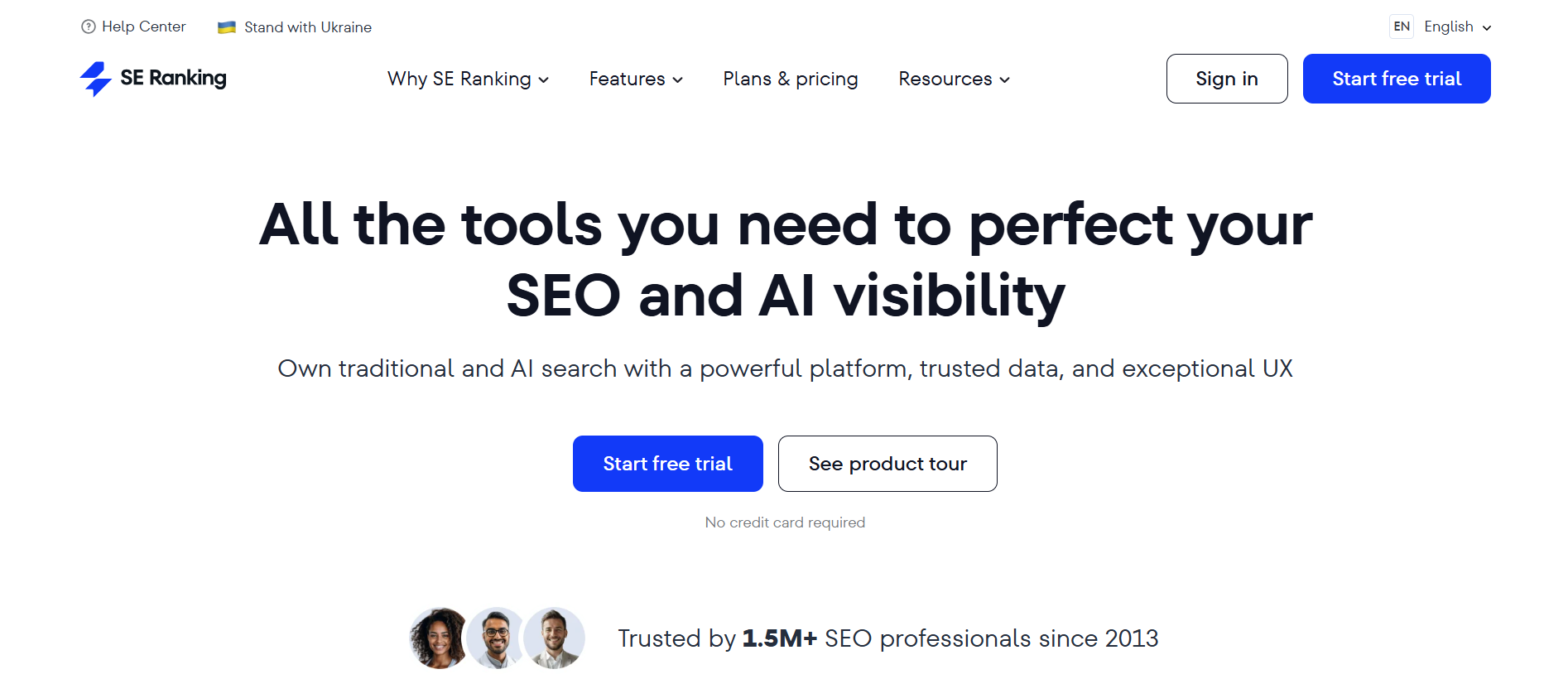
Best For: Agencies managing multiple client websites that need audits, reporting, and tracking in one place
Overview:
SE Ranking is built with agencies in mind. It combines site audits with rank tracking, backlink monitoring, and client reporting, so you’re not jumping between tools.
The audit tool scans your site for technical and on-page issues, then organizes everything into clear reports. What stands out is how easy it is to turn that data into something clients can understand.
This works best for agencies and freelancers handling multiple projects. You can manage audits, track progress, and generate reports without adding extra tools to your stack.
Key Features:
- Website audit with 120+ SEO checks across technical and on-page factors
- Custom crawl settings with page limits based on plan
- Issue categorization with prioritization (errors, warnings, notices)
- White-label reporting and client dashboards (via Agency Pack add-on)
- Integration with Google Analytics, Google Search Console, and Looker Studio
- Page change monitoring and historical data tracking on higher plans
Pros:
- Strong value for agencies managing multiple clients
- Clean interface, easy to navigate and explain to clients
- Combines audit, rank tracking, and backlinks in one platform
- Flexible limits that scale with your workload
Cons:
- White-label features cost extra (Agency Pack add-on)
- Not as deep for backlink analysis as premium tools like Ahrefs
- Interface can take time to fully learn at scale.
Pricing:
SE Ranking currently offers two packs, Core ($129/month) and Growth ($279/month). They offer several additions to these packs, including agency pack (+$69/month), AI search (+$89/month), and API(+$149/month).
Best SEO Audit Tool for Technical SEO Audits
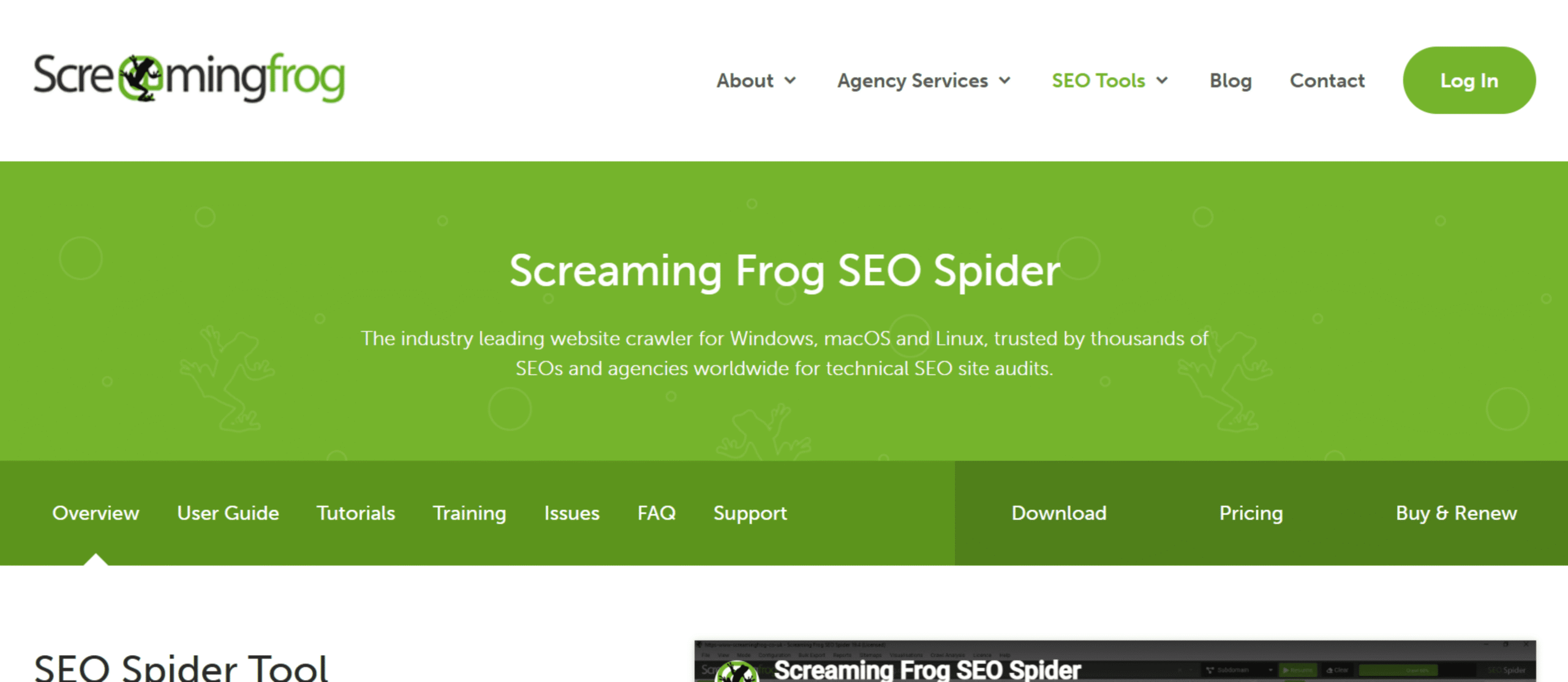
Best For: Technical SEOs and advanced users who want full control over deep site crawls and data
Overview:
Screaming Frog SEO Spider is a desktop-based crawler built for serious technical audits. It scans websites the same way search engines do, then gives you raw, detailed data to work with.
It doesn’t try to simplify everything into scores or summaries. Instead, it shows exactly what’s happening across your site, from status codes to duplicate content to crawl depth.
This works best for SEOs who want control and precision. If you’re comfortable working with data and need to audit large or complex sites, this tool gives you everything without hiding the details.
Key Features:
- Desktop crawler for Windows, macOS, and Linux
- Finds broken links, redirects, and server errors
- Extracts page titles, meta descriptions, headings, and canonicals
- Detects duplicate content and thin pages
- Integrates with Google Analytics, Google Search Console, and PageSpeed Insights
- Custom extraction using XPath, CSS selectors, and regex
Pros:
- Extremely detailed and accurate crawl data
- Full control over how audits are run
- One of the best tools for technical SEO analysis
- Free version available for small sites
Cons:
- Not beginner-friendly, steep learning curve
- No built-in client reporting or dashboards
- Desktop-based, can be resource-heavy on large crawls
Pricing: Free version available (up to 500 URLs), paid license costs $279/year per user
Screaming Frog is also featured in our roundup of the best SEO tools — worth exploring if you’re looking at building a complete SEO toolkit.
Best SEO Audit Tool for Backlink Analysis
Best For: SEOs who care about technical audits but rely heavily on backlink data and off-page analysis
Overview:
Ahrefs Site Audit combines technical site crawling with one of the strongest backlink databases in SEO. That combination is what makes it stand out.
It audits your site for technical and on-page issues, then connects those findings with link data. You can see how backlinks, internal links, and site structure all tie together.
This works best for SEOs who don’t want to treat audits and backlinks as separate tasks. If link building and technical SEO both matter to your strategy, this gives you a clearer picture.
Key Features:
- Cloud-based crawler with configurable crawl limits
- Site Health score based on overall SEO issues
- Detailed internal linking and crawl depth reports
- Backlink analysis integrated with audit data
- JavaScript rendering for more accurate crawling
- Issue prioritization with clear error, warning, and notice grouping
Pros:
- Industry-leading backlink data integrated into audits
- Clean interface with easy-to-understand reports
- Strong internal linking and site structure insights
- Reliable crawling for medium to large sites
Cons:
- No free plan, only paid access
- Pricing is high compared to standalone audit tools
- Limited white-label reporting for agencies
Pricing:
Starter ($29/month), Lite ($129/month), Standard ($249/month), Advanced ($449/month), Enterprise ($1,499/month.
Best SEO Audit Tool for Beginners
Best For: Beginners and small website owners who want a simple, guided way to run SEO audits
Overview:
Morningscore takes a different approach to SEO audits. Instead of overwhelming you with data, it turns SEO into a task-based system that’s easy to follow.
It still scans your site for technical and on-page issues, but it presents them as missions. Each task shows what’s wrong, why it matters, and how to fix it.
This works best for beginners or small teams. If you don’t have deep SEO experience and just want clear direction, this makes audits feel manageable.
Key Features:
- Website audit with issue detection across technical and on-page SEO
- Task-based “missions” that guide you through fixes
- Health score to track overall site performance
- Rank tracking for keywords and visibility
- Backlink monitoring with LinkInsights
- Competitor comparison for basic benchmarking
Pros:
- Very easy to understand, even for beginners
- Turns audit data into actionable steps
- Clean and simple interface
- Combines audit, tracking, and backlinks in one tool
Cons:
- Not as deep for technical audits as advanced tools
- Limited customization for experienced SEOs
- Fewer integrations compared to larger platforms
Pricing:
Lite ($69/month), Business ($99/month), Pro ($159/month), Premium ($269/month)
Best White-Label SEO Audit Tool
Best For: Agencies and freelancers who need fast, branded SEO audit reports for clients and lead generation
Overview:
SEOptimer is built around one thing: quick, client-ready audits. You enter a URL, and it generates a clean report you can share almost instantly.
What makes it stand out is the white-label setup. You can fully brand reports with your logo, colors, and domain, which makes it ideal for client work and prospecting.
This works best for agencies focused on lead generation and reporting. If you need polished audits without spending hours building them, this tool fits well.
Key Features:
- Instant website audit reports covering on-page, technical, and usability factors
- White-label PDF reports with custom branding
- Embeddable audit forms for lead capture on your website
- Basic keyword tracking and backlink monitoring
- SEO scoring system for quick performance snapshots
- Multi-language report support
Pros:
- Very fast and easy to generate client-ready reports
- Strong white-label and lead generation features
- Simple interface, no learning curve
- Affordable compared to larger SEO platforms
Cons:
- Limited depth for advanced technical SEO audits
- Not designed for large-scale site crawling
- Lacks advanced integrations and data analysis features
Pricing:
Starts at $29/month (DIY SEO plan), with white-label features available from $39/month (White Label plan), and a $59/month plan (White Label & Embedding)
Best SEO Audit Tool for Real-Time Monitoring
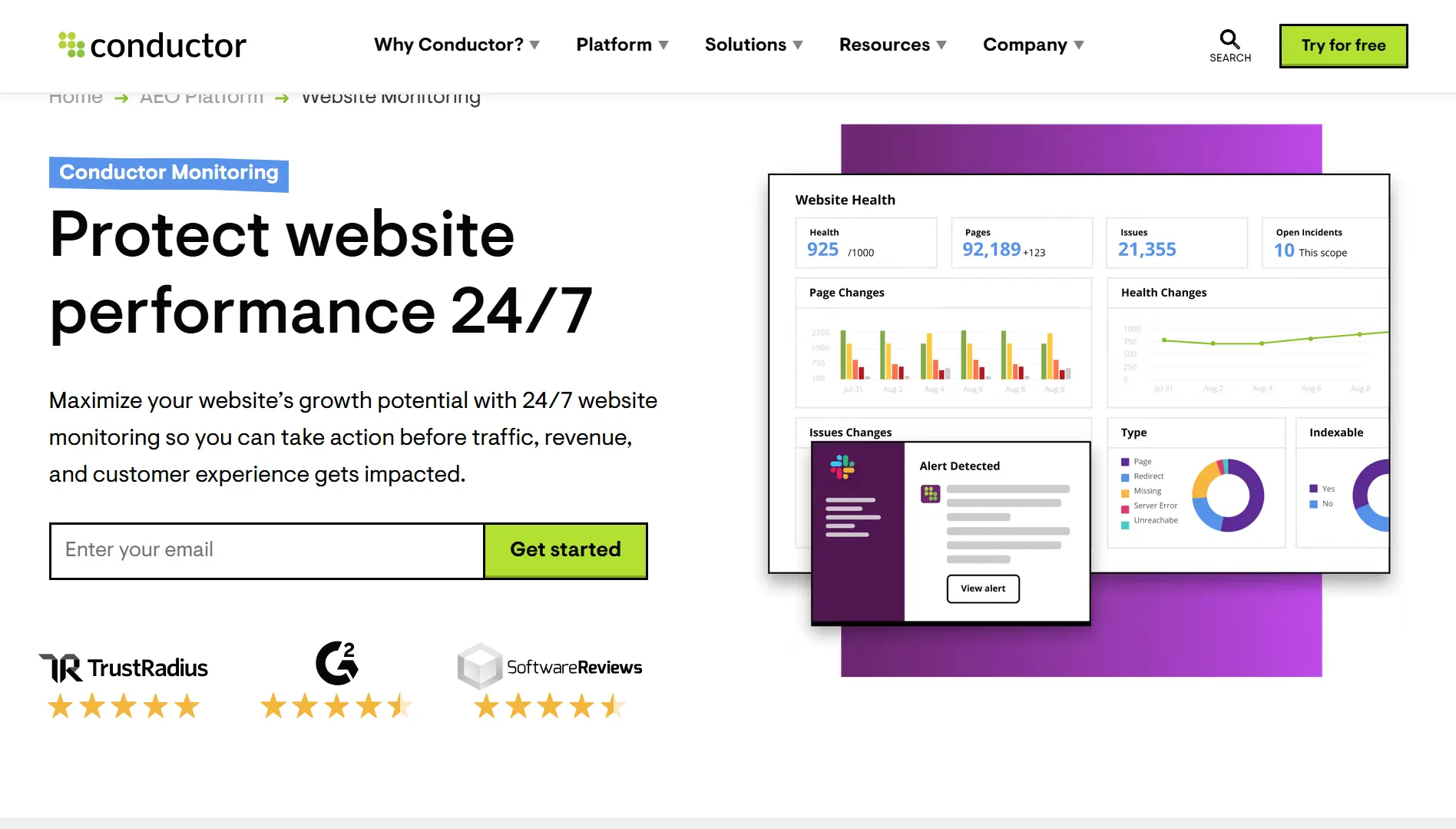
Best For: Enterprise teams that need continuous SEO monitoring and instant alerts when issues appear
Overview:
Conductor Website Monitoring focuses on catching problems as they happen, not weeks later during a scheduled audit.
It continuously checks your site for changes that impact SEO, like broken pages, removed content, or noindex tags. Instead of running audits manually, you get alerts the moment something goes wrong.
This works best for large websites where issues can appear at any time. If your site changes often and downtime or errors cost real traffic, real-time monitoring becomes essential.
Key Features:
- Real-time monitoring of site changes and SEO issues
- Instant alerts for critical problems like broken pages or noindex tags
- Page-level change detection (content, metadata, status codes)
- Integration with analytics and search data for impact tracking
- Custom alert thresholds and monitoring rules
- Enterprise-level scalability for large websites
Pros:
- Catches SEO issues immediately, not after the damage is done
- Ideal for large, frequently updated websites
- Strong integration with broader SEO and content workflows
- Reduces reliance on manual audits
Cons:
- Not a traditional full-site audit tool
- Pricing is not transparent and geared toward enterprises
- Overkill for small sites or solo users
Pricing:
Custom pricing, typically enterprise-level plans based on site size and needs
Best SEO Audit Tool for Visualizing Site Structure
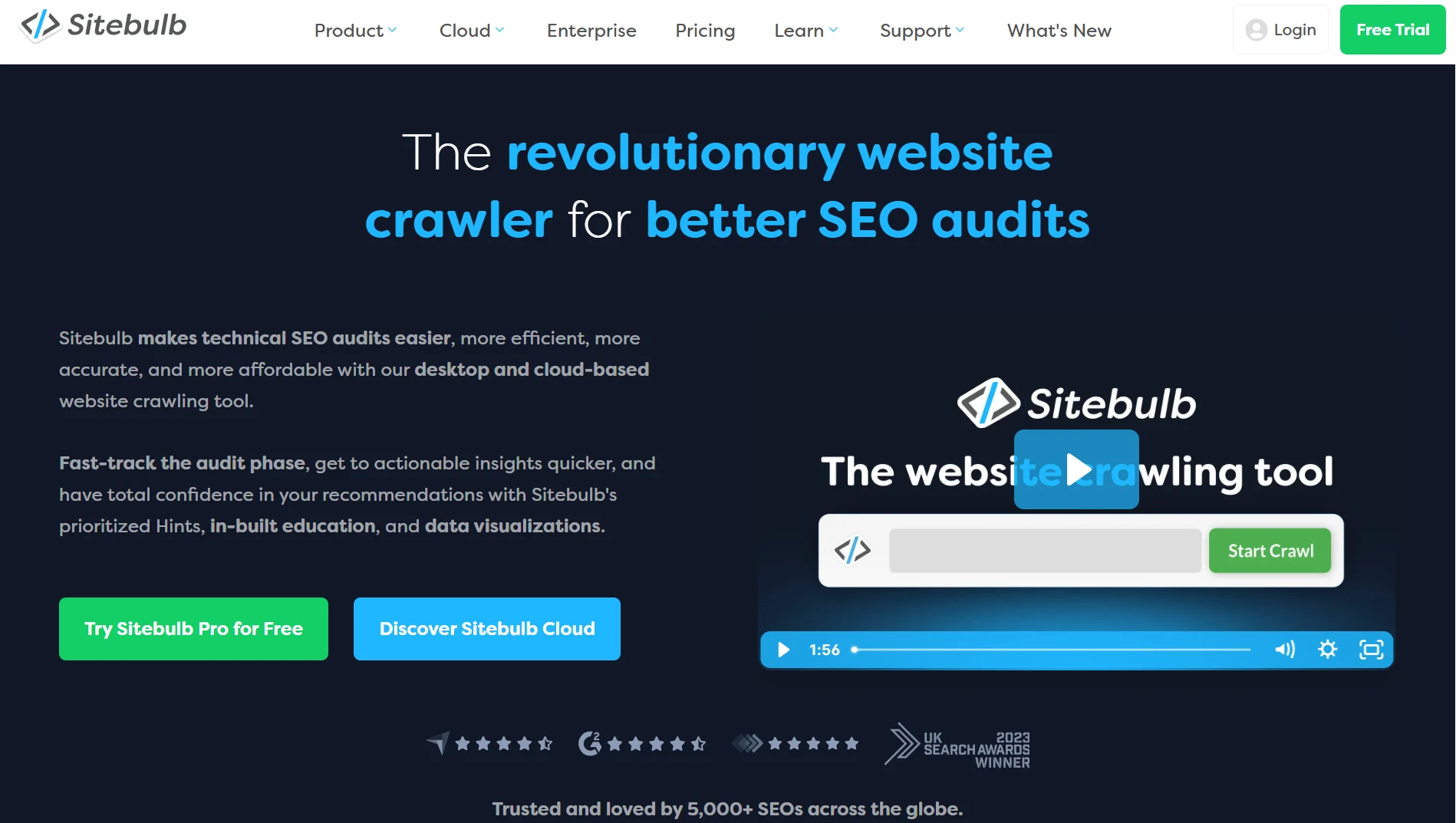
Best For: SEOs who want visual, easy-to-understand insights into site structure and technical issues
Overview:
Sitebulb is a desktop-based audit tool that focuses on clarity. It doesn’t just show data; it helps you understand how your site is structured and where problems sit.
What makes it different is the visual reporting. You get crawl maps, link graphs, and structured diagrams that make complex sites easier to analyze.
This works best for SEOs who deal with large or messy websites. If you need to explain issues to clients or teams, the visual layer makes a big difference.
Key Features:
- Desktop crawler with cloud option (Sitebulb Cloud available)
- Visual crawl maps and site structure diagrams
- Detailed issue reports with explanations and hints
- Internal linking and crawl depth analysis
- JavaScript rendering for modern websites
- Integration with Google Analytics and Search Console
Pros:
- Excellent visualizations for site structure and internal linking
- Clear explanations of issues are helpful for reporting
- Strong technical audit capabilities
- Flexible with desktop and cloud options
Cons:
- Can be slower on very large crawls compared to some tools
- Requires local resources for the desktop version
- Not an all-in-one SEO platform
Pricing:
Starts at $18/month (Lite plan), $42/month (Lite plan), and cloud plans at higher tiers starting at $125/month
Best Free SEO Audit Tool
Best For: Website owners who want direct data from Google about indexing, performance, and site issues
Overview:
Google Search Console gives you something no third-party tool can, data straight from Google. It shows how your site appears in search, what’s indexed, and where problems exist.
It’s not a traditional crawler. Instead, it reports on real issues Google has identified, such as indexing errors, mobile usability problems, and Core Web Vitals.
This works for everyone. Beginners, agencies, and advanced SEOs all use it. Even if you pay for other tools, this remains essential.
Key Features:
- Indexing reports showing which pages are indexed or excluded
- Performance data for clicks, impressions, CTR, and rankings
- Core Web Vitals and page experience reports
- Mobile usability issue detection
- Sitemap submission and URL inspection tool
- Manual action and security issue alerts
Pros:
- Free and directly from Google
- Shows real search performance data, not estimates
- Essential for diagnosing indexing issues
- Easy to connect with other SEO tools
Cons:
- Limited technical audit depth compared to paid tools
- Data can be delayed and sampled
- Interface can feel basic for advanced workflows
Pricing: Free
Best SEO Audit Tool for On-Page Optimization
Best For: Content teams and marketers focused on improving on-page SEO and content quality
Overview:
Clearscope is not a traditional audit tool. It focuses on one thing: making your content better.
Instead of crawling your entire site, it analyzes top-ranking pages and shows what your content is missing. You get clear recommendations on terms to include, structure, and depth.
This works best for teams publishing content regularly. If rankings depend on content quality, this helps you optimize pages before and after they go live.
Key Features:
- Content optimization reports based on top search results
- Keyword and topic recommendations with relevance scoring
- Content grading system (A+ to F)
- Competitor content analysis for each query
- Google Docs and WordPress integrations
- Readability and word count guidance
Pros:
- Very easy to use for writers and marketers
- Clear, actionable recommendations for content improvement
- Strong accuracy for keyword and topic suggestions
- Helps improve rankings without deep technical work
Cons:
- Expensive compared to other content tools
- Not a full technical SEO audit tool
- Limited use outside content optimization
Pricing:
Clearscope offers several pricing tiers, including Essentials ($129/month), Business ($399/month), and Enterprise (Custom).
How to Choose the Right SEO Audit Tool
Solo site owner vs agency
Start with how you work. A solo site owner needs something simple that highlights issues and tells you what to fix. An agency needs reporting, client access, and the ability to manage multiple projects. Pick a tool that matches your day-to-day, not just the feature list.
How many pages do you need to crawl
Crawl limits matter more than most people think. A small site can run on basic plans, but larger sites need higher limits and deeper crawls. If your tool can’t fully crawl your site, you’re missing problems. Always check how it scales.
Do you need white-label reports for clients
If you work with clients, this is non-negotiable. You need reports with your branding, not someone else’s logo. It saves time and makes your work look professional. Without it, reporting becomes messy fast.
Real-time monitoring vs periodic audits
Some tools run audits on demand or on a schedule. Others monitor your site constantly and alert you when something breaks. If your site changes often, real-time monitoring is worth it. If not, scheduled audits are enough.
Integrations with your existing tools
Your audit tool shouldn’t work in isolation. Connecting Google Search Console and Google Analytics gives context to the issues you find. You can tie problems to traffic drops and performance. That’s where insights become useful.
Budget, think ahead
Don’t just look at today’s price. Think about how your needs will grow in the next six months. More clients, more pages, more data. Switching tools later is a pain, so choose something you can stick with.
Try before you buy
Most tools offer trials or limited free versions. Use them. Run a real audit, explore the reports, and see if it fits your workflow. What looks good on paper doesn’t always work in practice.
How to Run an SEO Audit (Step-by-Step)
1. Pick your tool and set up the crawl
Choose the tool that fits your setup, then run a full crawl of your site. Make sure the settings match your needs, especially crawl limits and whether JavaScript rendering is on. Add your sitemap if the tool allows it. Let it finish completely before you start analyzing anything.
2. Start with technical errors
Fix the issues that break your site first. Look for broken links, redirect chains, server errors, and pages that aren’t being crawled. These problems stop search engines from accessing your content properly. If these aren’t fixed, everything else matters less.
3. Check on-page elements
Now move to what’s on the page. Review title tags, meta descriptions, H1s, and content length. Look for duplicates, missing tags, and thin content. These are easier wins and often improve rankings quickly.
4. Review your backlink profile
Check your backlinks for anything suspicious or lost. Toxic links can hurt your site, while lost links mean lost authority. Focus on patterns, not just individual links. If you’ve lost strong links, that’s something to act on.
5. Look at page speed and Core Web Vitals
Slow pages hurt both rankings and user experience. Check load times, layout shifts, and interaction delays. You don’t need perfect scores, but you need acceptable performance. Fix the worst pages first.
6. Prioritize what to fix
Don’t try to fix everything at once. Focus on issues with the biggest impact, like crawl errors and important pages. Smaller issues can wait. A clear priority list keeps things manageable.
7. Schedule recurring audits
An audit is not a one-time task. Sites change, things break, and new issues appear. Set a schedule, monthly or quarterly, depending on your site. This keeps problems from building up again.
Common SEO Audit Mistakes to Avoid
Running an audit once and never doing it again
SEO is not static. Sites change, pages get added, things break. A one-time audit gives you a snapshot, not a system. Without regular audits, issues quietly build up again.
Trying to fix everything at the same time
Audit tools surface a lot of issues. Not all of them matter equally. If you try to fix everything at once, you’ll stall. Focus on high-impact fixes first, then work down the list.
Ignoring mobile crawl issues
Most traffic is mobile. If your mobile experience is broken, rankings will follow. Check how your site performs on mobile, not just desktop. Google indexes mobile-first.
Auditing the site but never acting on the findings
An audit without action is wasted effort. Reports don’t fix rankings; changes do. Every audit should lead to a clear list of tasks. If nothing gets implemented, nothing improves.
Confusing a rankings drop with an audit problem
Not every drop is technical. Sometimes it’s content, competition, or algorithm updates. Audits help find site issues, but they don’t explain everything. Look at the full picture before making changes.
Over-relying on one tool
No tool catches everything. Each one has gaps. Cross-check important issues using another tool or source. The more critical the problem, the more you should validate it.
FAQs
What is the best free SEO audit tool?
Google Search Console is the best free option. It shows real data directly from Google, including indexing issues, performance, and page experience. It’s not a full crawler, but it’s essential for every site. Most paid tools build on top of this.
How often should you run an SEO audit?
At least once every 1–3 months. Larger or frequently updated sites should audit more often. If your site changes weekly, monthly audits make sense. The goal is to catch issues before they impact rankings.
What is the difference between a technical audit and an on-page audit?
A technical audit looks at how your site is built and crawled. Things like broken links, indexing, speed, and site structure. An on-page audit focuses on content, titles, headings, and keyword relevance. Both matter, but they solve different problems.
What is a white-label SEO audit tool?
It’s a tool that lets you brand reports as your own. You can add your logo, colors, and domain before sharing with clients. This is important for agencies that want a professional presentation. It saves time and builds trust.
Can I use multiple SEO audit tools together?
Yes, and many professionals do. Different tools catch different issues and offer different insights. Using more than one helps you validate findings and avoid blind spots. Just don’t overcomplicate your workflow.
Final Thoughts
There’s no single best SEO audit tool for everyone. It depends on how you work, what you need, and how deep you want to go.
If you want one tool that does almost everything well, go with Semrush.
If you’re running multiple client projects, SE Ranking is the better fit.
If technical depth matters most, Screaming Frog gives you full control.
If you want a free, essential baseline, Google Search Console is non-negotiable.
The right tool is the one that fits into your workflow without friction.
Because consistency beats features.
An audit tool only works if you actually use it.