
Best Apps
By Henry Madden · March 30, 2026
Search rankings don’t stay put.
One week, you’re ranking well. Next, you’ve slipped a few spots—and you’re left wondering what changed. Now imagine trying to track that across dozens of keywords, different cities, and both mobile and desktop. It gets overwhelming pretty quickly.
That’s why rank tracking matters.
It gives you a clear view of what’s happening behind the scenes—where you’re gaining, where you’re losing, and what’s actually driving results. Without it, you’re mostly guessing. With it, you can make smarter decisions and catch issues before they turn into bigger problems.
The tricky part? There’s no shortage of tools.
Some look great on the surface but fall short when it comes to accuracy or updates. Others are packed with features you’ll never use. And a few just make simple things harder than they need to be.
So instead of trying to figure it out on your own, we’ve done the heavy lifting.
In this guide, we break down the 10 best SEO keyword ranking tools for 2026—what each one does well, where it struggles, and who it’s really for. If you want a powerful all-in-one platform, Semrush is hard to beat. If you’re after something more focused and easier on the budget, SE Ranking is a great choice, especially for agencies.
By the end, you’ll have a clear idea of which tool fits your workflow—and which ones aren’t worth your time.
A SEO keyword ranking tool shows you where your website appears on Google for the keywords you care about.
Say you’re targeting “best running shoes.” The tool will tell you if you’re ranking #3, #10, or nowhere near the first page. It can also track rankings across different cities, devices (mobile vs desktop), and over time.
Some tools keep it simple and just show positions. Others go deeper—they track changes, compare you with competitors, and flag sudden drops or gains.
At its core, it answers one simple question: how visible are you in search right now?
Rankings aren’t just numbers in a tool—they directly affect how many people find your site.
If you drop from position #3 to #9 for an important keyword, you’ll feel it. Traffic dips. Leads slow down. Sales can follow. It doesn’t always show up instantly in your reports, but that shift in rankings is usually where it starts.
Rank tracking helps you spot those changes early—before they turn into bigger problems.
It also shows you what’s going right. Maybe a page you updated is climbing steadily. Or a new blog post is starting to pick up traction. Those are signals worth paying attention to.
If you work with clients, it matters even more. People want to see progress. Being able to show “you moved from #12 to #5” is much clearer than talking in vague terms.
And for local SEO, it’s non-negotiable. Rankings can vary by city, device, and even neighborhood. Without tracking, you’re only seeing part of the story.
At the end of the day, if you care about traffic and growth, you need to know where you stand—and how that’s changing week to week.
Not all rank tracking tools are built the same. Some look polished but miss the basics. Others do one thing really well—but fall short everywhere else.
If the rankings aren’t accurate, the rest doesn’t matter. You’re making decisions based on bad data. A good tool updates regularly and reflects real search results—not something from a few days ago.
Rankings change depending on where and how people search. You might be #3 on desktop but #7 on mobile. Or ranking well in one city and nowhere in another. Without this, you’re only seeing part of the picture.
You don’t just track rankings—you need to share them. Whether it’s for a client or your team, clean reports make it easier to show progress without extra work.
The best tools connect with the rest of your stack. Pulling in data from Google Analytics or Search Console gives more context. And automation means you’re not constantly checking things manually.
You shouldn’t have to fight the tool to get answers. The good ones make it easy to spot trends, check rankings, and move on.
Your needs will grow. The tool should grow with you—without suddenly becoming too expensive or limiting once you start tracking more keywords.
Tool | Best For | Starting Price | White-Label Support | Integrations | Automation Level |
All-in-one SEO + rank tracking | ~$139.95/month |
| GA, GSC, APIs | High | |
Agencies & value-focused users | ~$129/month |
| GA, GSC, Looker Studio | High | |
Keyword research + tracking | ~$29/month |
| GSC, APIs | Medium | |
High-accuracy tracking | ~$249/month |
| GA, GSC | High | |
Advanced reporting & visualization | ~$39/month |
| GA, GSC | High | |
Beginner-friendly tracking | ~$30.50/month |
| Limited | Medium | |
Enterprise tracking & reporting | ~$139/month |
| GA, GSC, APIs | High | |
All-in-one SEO (easy to use) | ~$49/month |
| GA, GSC | Medium | |
Lightweight rank tracking | ~$4/month |
| Limited | Medium | |
Desktop-based tracking | ~$349/year |
| Limited | Medium |
Best For:
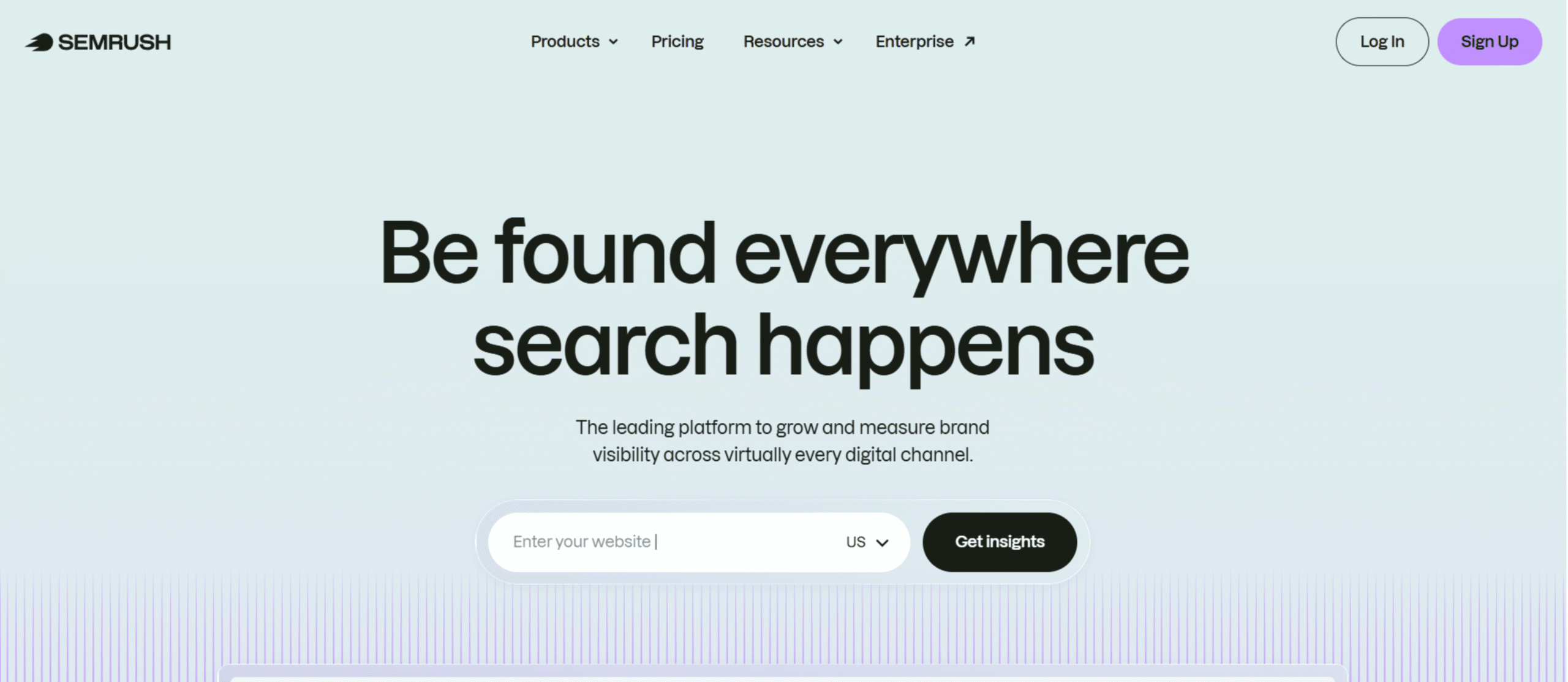
If you want one tool that covers rank tracking and the rest of your SEO work, Semrush is hard to beat.
Rank tracking is just one piece of the puzzle. If you’re looking at the full picture, check out our guide to the best SEO tools — it covers everything from keyword research to technical audits.
Overview:
Semrush isn’t just a rank tracker—it’s a full SEO platform. Yes, you can track keyword positions across locations and devices. But what makes it useful is everything around that data. You can see trends, spot competitors gaining ground, and figure out why rankings are moving. It saves you from jumping between multiple tools.
Key Features:
Pros and Cons:
Pricing:
Semrush offers three primary plans: Pro ($139.95/month), Guru ($249.95/month), and Business ($499.95/month).
Best For:
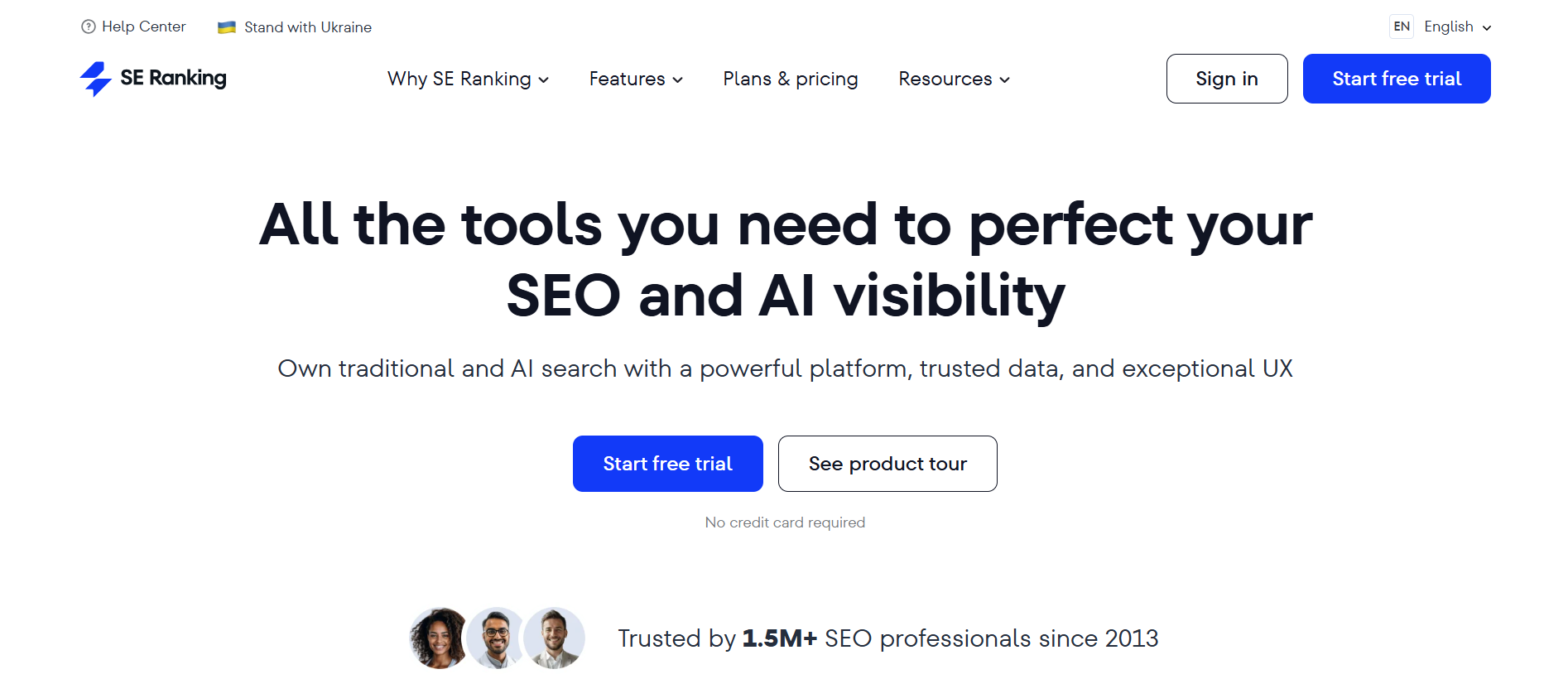
A great fit for agencies, freelancers, or anyone who wants solid rank tracking without paying for a bloated all-in-one tool.
Overview:
SE Ranking keeps things simple—in a good way. It focuses on accurate rank tracking and reporting, without overwhelming you. You still get a few extra SEO features, but the core strength is how easy it is to track, organize, and report on rankings.
Key Features:
Pros and Cons:
Pricing:
SE Ranking currently offers two packs, Core ($129/month) and Growth ($279/month). They offer several additions to these packs, including agency pack (+$69/month), AI search (+$89/month), and API(+$149/month).
Best For:
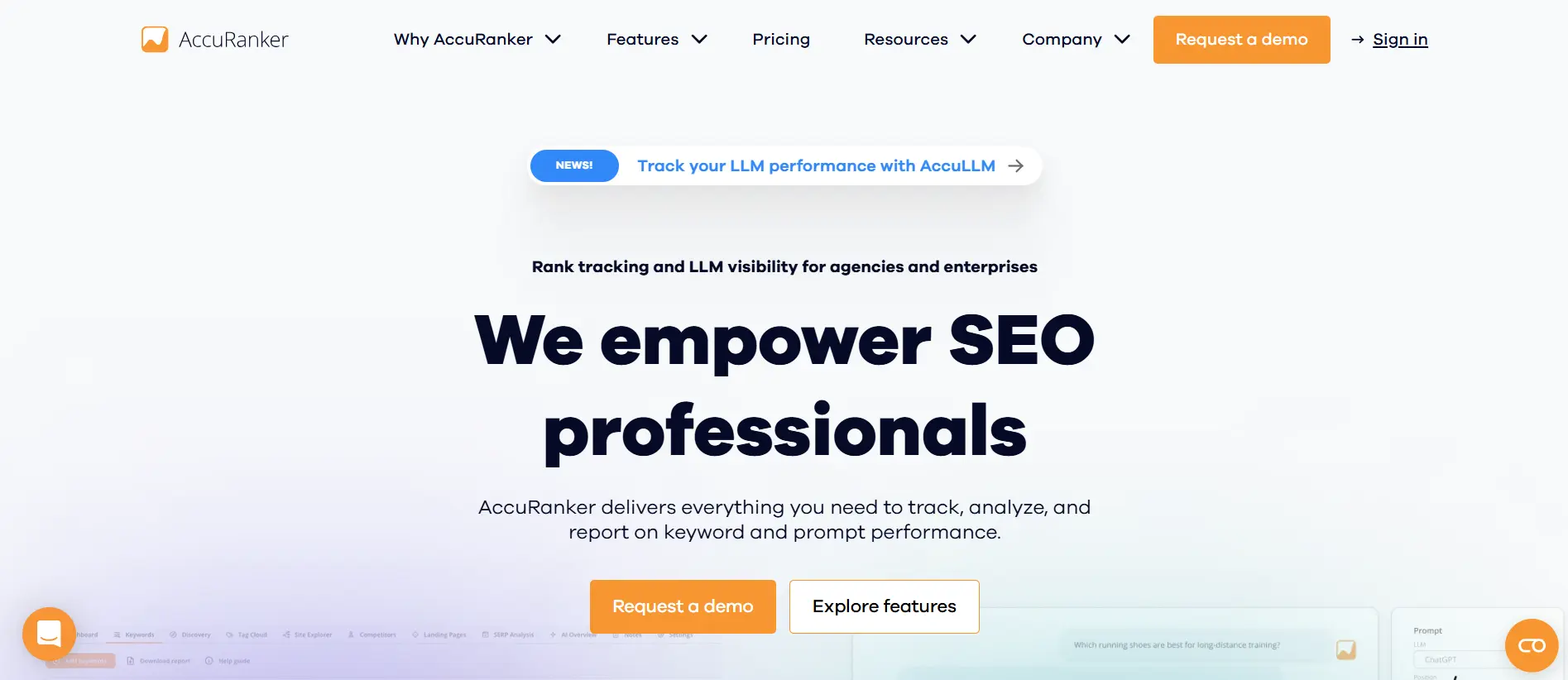
If accuracy is non-negotiable and you want ranking data you can rely on without second-guessing, AccuRanker is a strong pick.
Overview:
AccuRanker keeps things focused. It’s built specifically for rank tracking—and it does that job really well. You get fast updates, precise data, and a setup that can handle large keyword lists without slowing down. It’s the kind of tool you use when rankings aren’t just something you check—they’re something you depend on.
Key Features:
Pros and Cons:
Pricing:
AccuRanker offers three packs: Professional (starting at $249/month for 2,000 keywords), Expert
(starting at $849/month for 10,000 keywords) and an Enterprise plan (custom pricing for more than 25k keywords)
Best For:
A solid choice if you spend a lot of time on keyword research and want rank tracking built into the same workflow.
Overview:
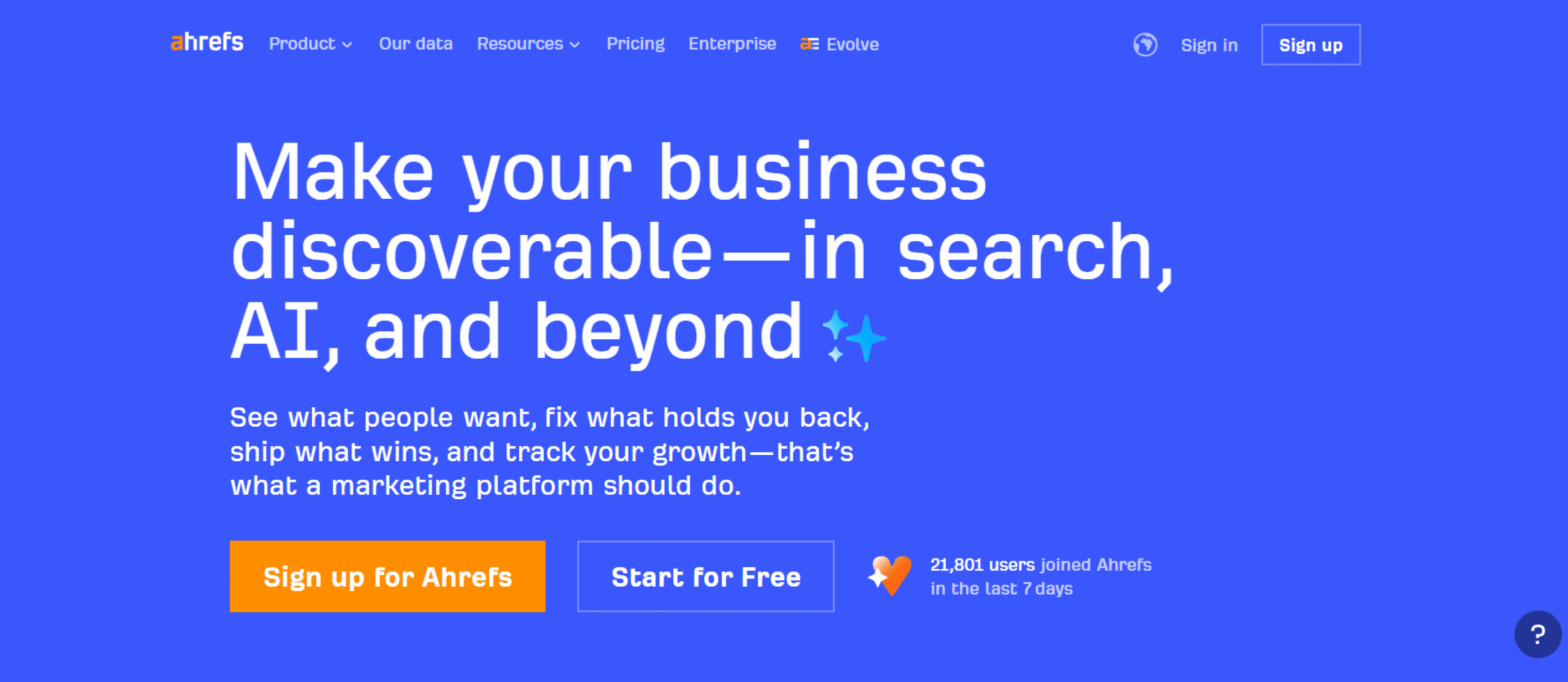
Ahrefs is best known for its keyword and backlink data—and that’s exactly what makes its rank tracking useful. Instead of just showing positions, it helps you understand what to target next and why certain pages are ranking ahead of you. If your SEO strategy revolves around content, having everything in one place makes a big difference.
Key Features:
Pros and Cons:
Pricing:
Starter ($29/month), Lite ($129/month), Standard ($249/month), Advanced ($449/month), and Enterprise ($1,499/month)
Best For:
Ideal if you want your ranking data to be easy to understand—and even easier to share with clients or your team.
Overview:
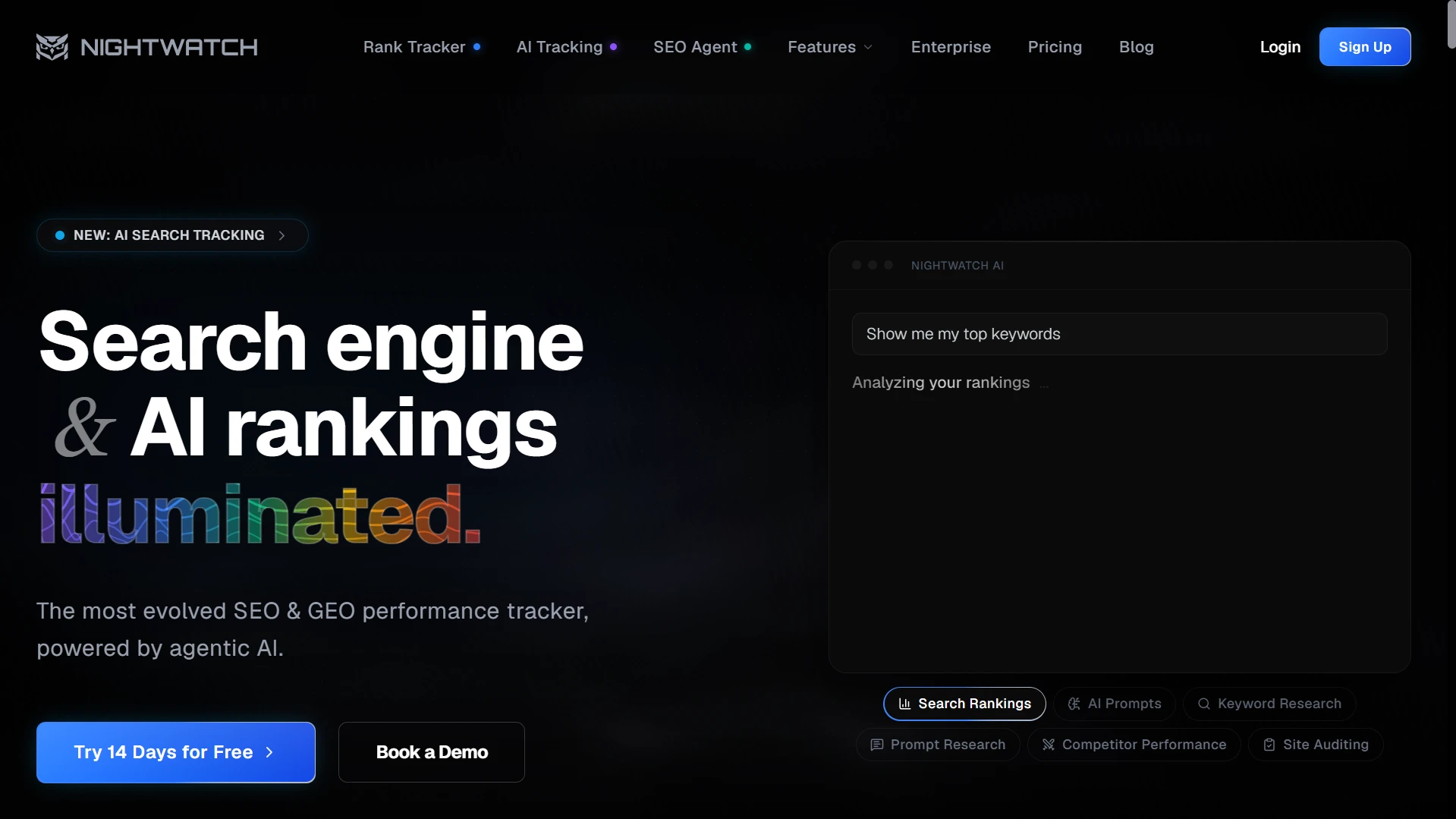
Nightwatch isn’t just about tracking rankings—it’s about making sense of them. The data is solid, but the real strength is how it’s presented. Instead of digging through numbers, you get clean, visual dashboards that show what’s happening at a glance. If reporting is a big part of your workflow, this is where Nightwatch really shines.
Key Features:
Pros and Cons:
Pricing:
Starts at around $39/month (250 keywords), with pricing scaling based on usage.
Best For:
A great pick if you’re new to SEO and want something simple that just works without a learning curve.
Overview:
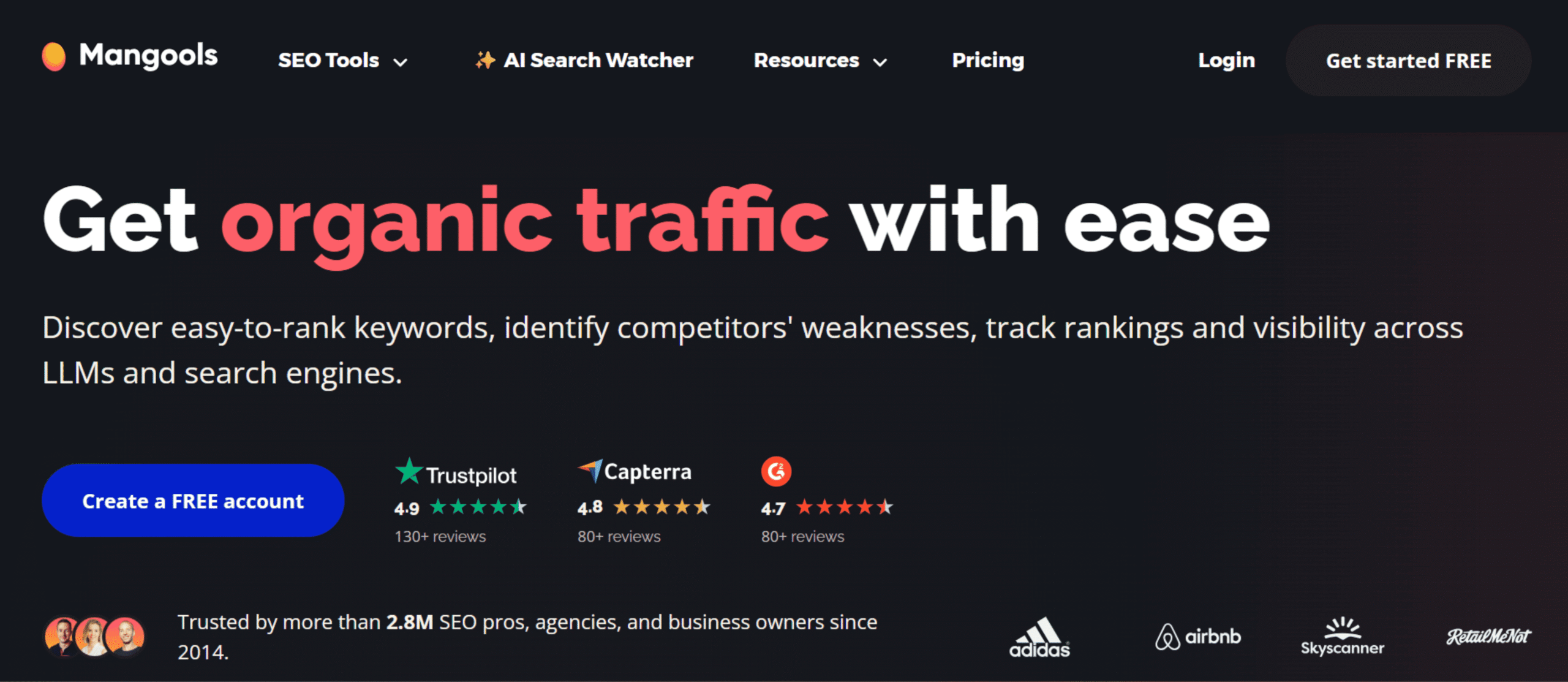
Mangools is built for ease of use. Instead of throwing a ton of features at you, it focuses on the essentials—rank tracking, keyword research, and basic competitor insights. The rank tracking tool (SERPWatcher) is especially straightforward, making it easy to see what’s improving and what’s slipping without digging through complex reports.
Key Features:
Pros and Cons:
Pricing:
Mangools offers several pricing tiers, including Mangools Basic + AI SW PRO ($30.50/month), Mangools Premium + AI SW PRO ($40.50/month), and Mangools Agency + AI SW PRO ($70.50/month).
Best For:
A solid fit for agencies and larger teams that need to track a high volume of keywords across multiple locations and clients.
Overview:
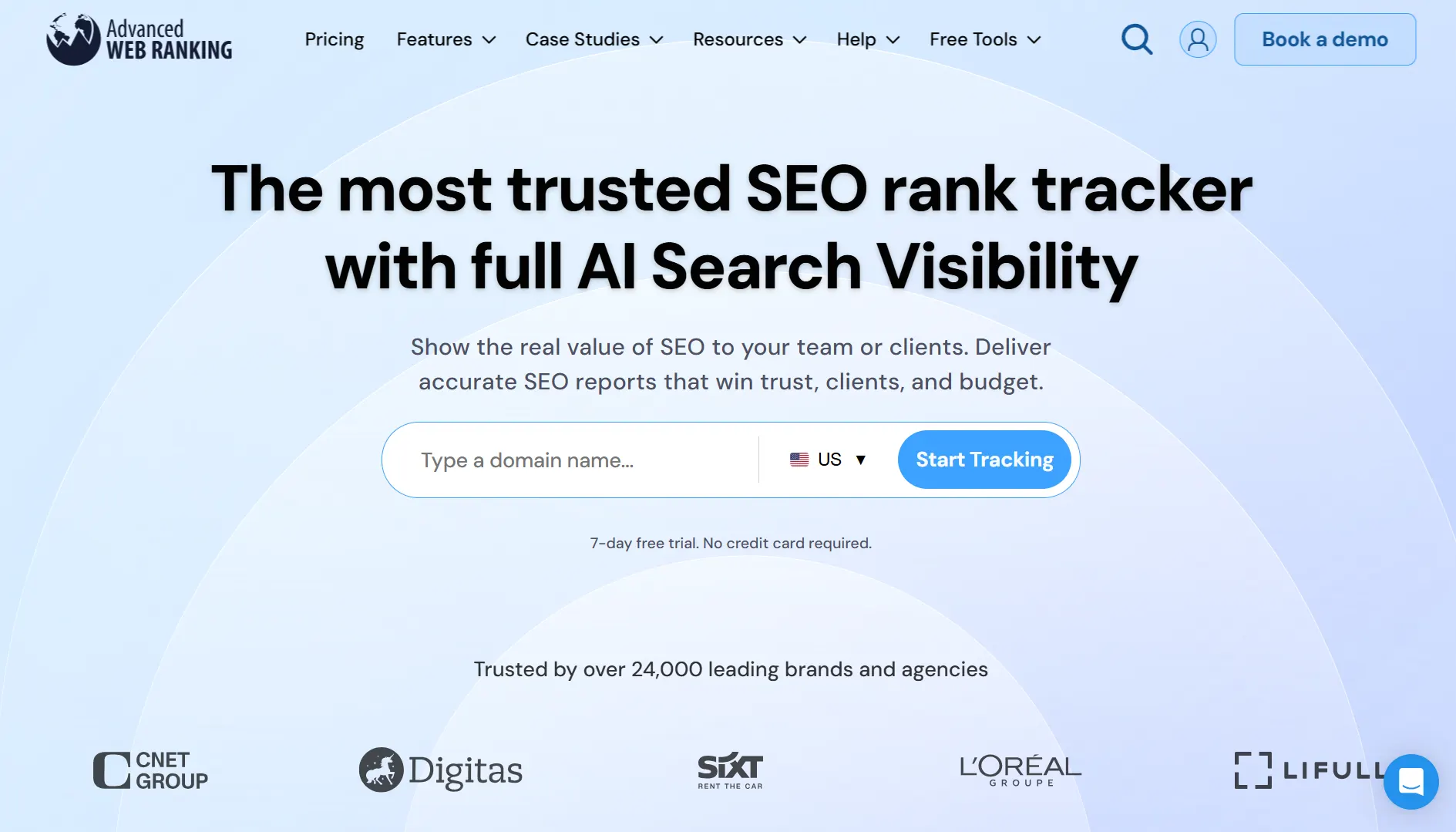
Advanced Web Ranking is built with scale in mind. If you’re dealing with thousands of keywords across different markets, it handles that comfortably. What stands out is the level of control—you can break down rankings by country, city, device, and even specific search engines. It’s not the most beginner-friendly tool, but for enterprise-level tracking, that flexibility is exactly the point.
Key Features:
Pros and Cons:
Pricing:
Pro ($139/month), Agency ($279/month), Enterprise ($699/month), and Enterprise Plus ($980/month)
Best For:
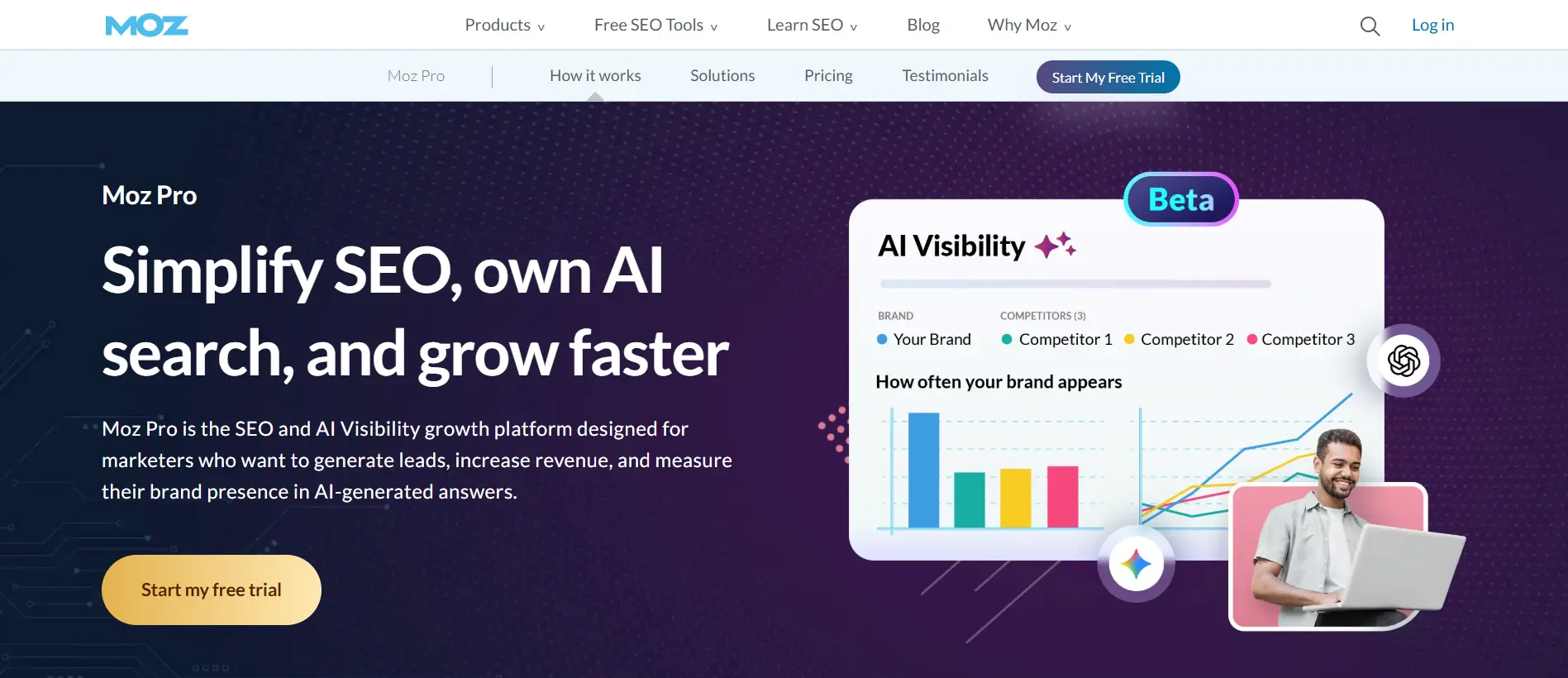
A great option if you want an all-in-one SEO tool that’s easy to use and doesn’t feel overwhelming.
Overview:
Moz Pro strikes a nice balance between simplicity and capability. It covers the essentials—rank tracking, keyword research, and site audits—without burying you in features. You might not get the deepest data in every area, but you’ll get enough to make solid decisions without overcomplicating things.
Key Features:
Pros and Cons:
Pricing:
Starter ($49/month), Standard ($99/month), Medium ($179/month), and Large ($299/month)
Best For:
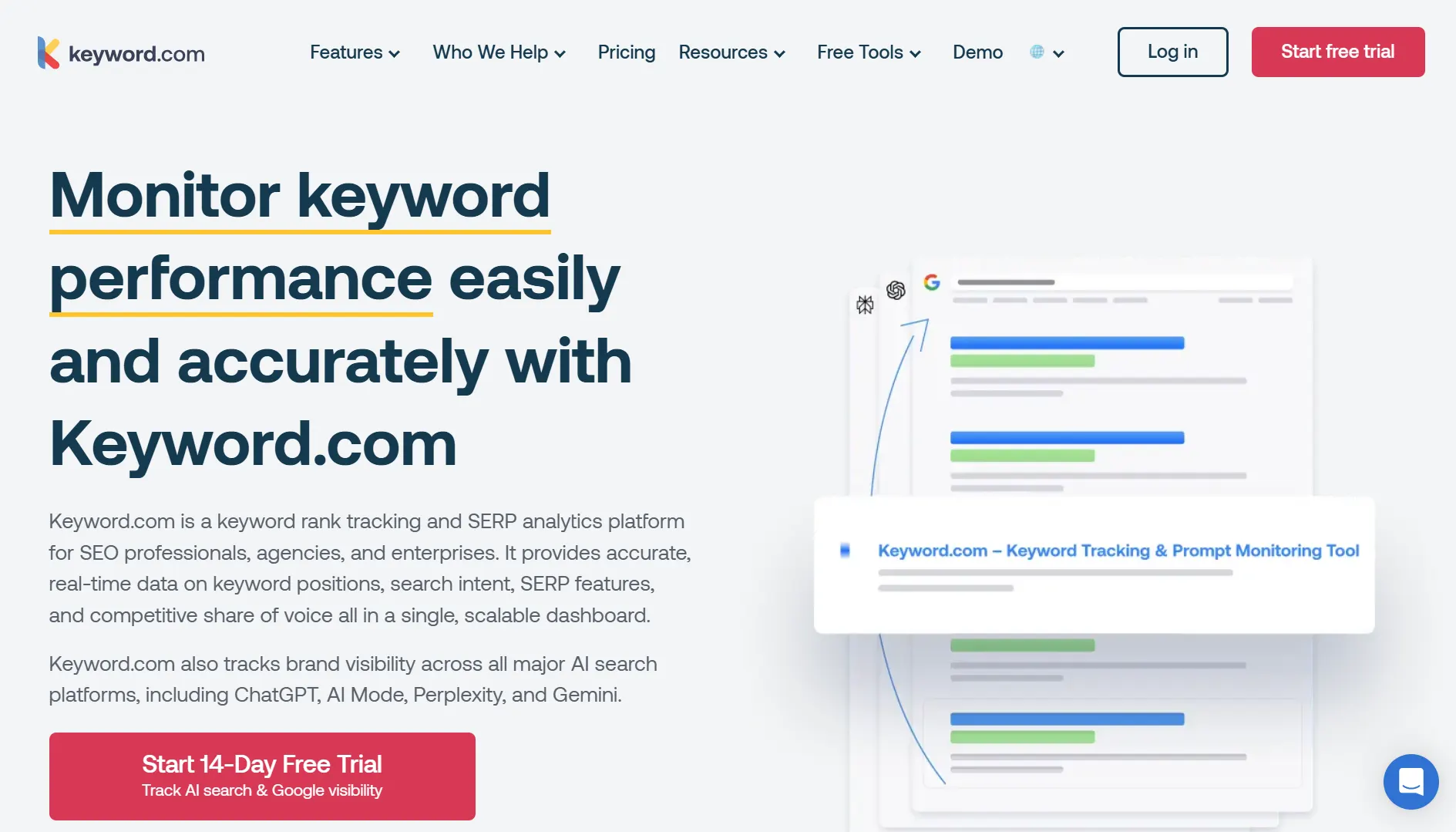
A solid pick if you want straightforward, reliable rank tracking without dealing with a full SEO suite.
Overview:
Keyword.com keeps things simple—and that’s the whole point. It’s built purely for rank tracking, so everything feels fast and focused. There’s no clutter, no extra features you won’t use. If you already rely on other tools for research or audits, this fits in nicely as your go-to tracker.
Key Features:
Pros and Cons:
Pricing:
Starts at $4/month for 50 keywords (weekly ranking update frequency), with pricing scaling based on usage.
Best For:
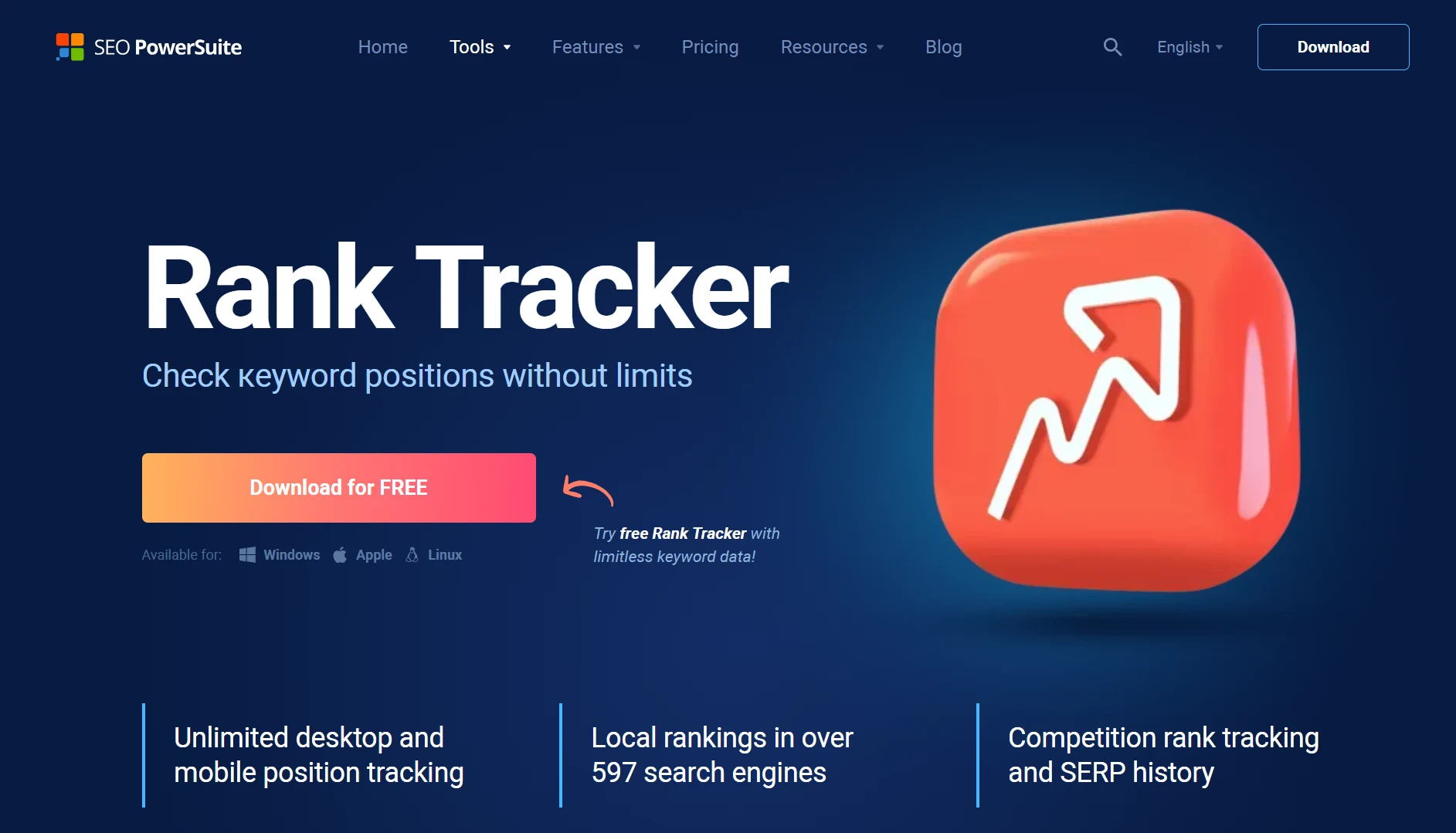
A great option if you prefer desktop software and want more control over your data—especially without strict keyword limits.
Overview:
Rank Tracker (part of SEO PowerSuite) runs locally on your computer instead of in the cloud. That changes how you use it. You’re not boxed into tight keyword limits, and you can track as much as your system can handle. It does take a bit more setup, but once it’s running, you get detailed ranking data across different search engines, locations, and devices.
Key Features:
Pros and Cons:
Pricing:
Professional ($349/year), Enterprise ($599/year), and Max ($899/year)
Picking the right tool gets a lot easier when you stop looking at features—and start thinking about how you’ll actually use it.
Are you tracking your own site, or managing clients?
If it’s just your business, you can keep things simple. If you’re working with clients, you’ll need proper reporting, keyword organization, and something you can share without extra work.
Don’t overthink it—just estimate.
Tracking 100 keywords is very different from tracking a few thousand. Some tools are great at a small scale but get expensive (or slow) as you grow.
If local SEO matters to you, this is a big one.
You want to see how rankings change by city and between mobile and desktop. Otherwise, you’re only getting half the picture.
If you need to show results to clients or your team, make your life easier.
Look for tools with clean dashboards and automated reports. The less time you spend exporting and formatting data, the better.
Some tools do everything—rank tracking, keyword research, audits. Others stay focused.
If you already use other SEO tools, a simple tracker might be enough. If not, an all-in-one platform can save you from juggling multiple tools.
Pricing often looks fine at the start… until you scale.
Think about where you’ll be in a few months. Will the tool still make sense when you’re tracking more keywords or clients?
This part matters more than people think.
Most tools offer trials—use them. Add a few keywords, click around, and see how it feels. You’ll know pretty quickly if it fits your workflow.
In the end, the right tool isn’t the one with the most features—it’s the one you’ll actually use consistently.
Getting started is easier than it sounds. You don’t need to overthink it—just follow a simple flow:
Start with the keywords that actually matter to your business. Not everything—just the ones tied to traffic, leads, or sales.
Decide where you want to track rankings (country, city) and whether you care about mobile, desktop, or both. This makes a bigger difference than most people expect.
Enter your domain so the tool can track your rankings. Then add a couple of competitors—it helps you see the bigger picture.
Once everything’s set up, give it a bit of time. Some tools update instantly, others daily. Either way, you’ll start seeing where you stand pretty quickly.
Don’t stress over a single keyword dropping a spot or two. Zoom out. Are things moving up overall? That’s what matters.
If something drops, dig into why. If something improves, try to repeat it. The goal isn’t just to track—it’s to act on what you see.
More keywords doesn’t mean better insights. It usually just creates noise. Focus on the ones that actually impact your business.
You might rank well in one location and poorly in another. If local SEO matters, this isn’t something you can ignore.
Rankings move all the time. A small drop doesn’t mean something’s broken. What matters is the trend over weeks, not days.
If you’re only watching your own rankings, you’re missing half the story. Competitors often explain why things are shifting.
Ranking #1 is great—but only if it brings traffic or leads. Always connect rankings back to real outcomes.
Most tools make it easy to spot patterns, but only if you actually use them. Even a quick weekly check can reveal a lot.
Use a rank tracker this way, and it stops being just a dashboard—it becomes a guide for what to do next.
Tools like Semrush, AccuRanker, and SE Ranking are known for reliable data. The difference usually comes down to update frequency and how well they handle location-based results.
Once or twice a week is enough for most cases. Checking daily can lead to overreacting to normal fluctuations.
Yes, most modern tools let you track rankings at the city level. This is especially useful for local SEO.
They can work for small projects, but they’re usually limited in accuracy, keyword count, or update frequency.
Focus on quality over quantity. Start with your most important 20–50 keywords, then expand as needed.
There’s no single “best” rank tracking tool—just the one that fits how you work.
If you want a tool that does more than just track rankings, Semrush is the strongest all-around option. It gives you context, not just numbers, which makes it easier to actually improve your SEO—not just monitor it.
On the other hand, if you want something simpler and more cost-effective, SE Ranking hits a really nice balance. It covers everything most people need, without the extra complexity or price tag. That’s why it works so well for agencies and freelancers.
From there, it’s about your setup.
Running your own site? You might not need anything too advanced.
Handling clients or scaling SEO? You’ll want something more powerful.
At the end of the day, the best tool is the one you’ll keep using. Because rankings only matter if you’re paying attention to them—and doing something with what you learn.
 (limited)
 (add-on)